
How do I add events or manage calendars?
Plan requirement: The Calendar is part of the branded LMS, available on Pro + LMS and Enterprise. Compare plans.
On an earlier plan? Plan names and inclusions changed when we moved to Free, Creator, Pro, Pro + LMS and Enterprise. If you are on an earlier plan, your subscription continues unchanged and you keep everything it included — so you may still see features this article lists under a higher plan. Nothing has been removed from your account.
From the Calendar section, you can create events such as webinars, deadlines, or onboarding sessions, and view the calendars of other community members. Invite individuals or entire Groups, sync calendars, and manage visibility. Each user can also view shared events on their personalised calendar.
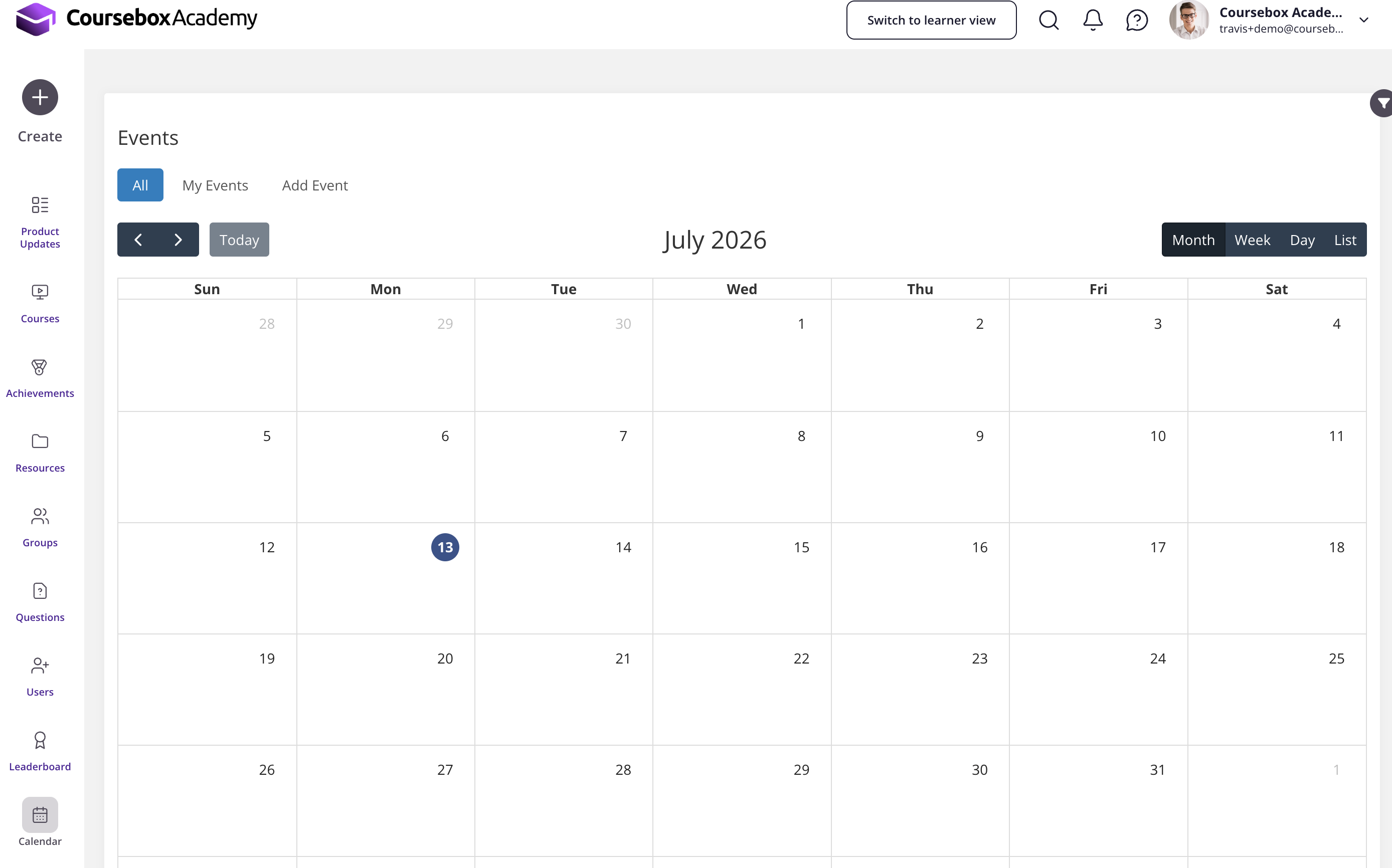
Create a calendar event
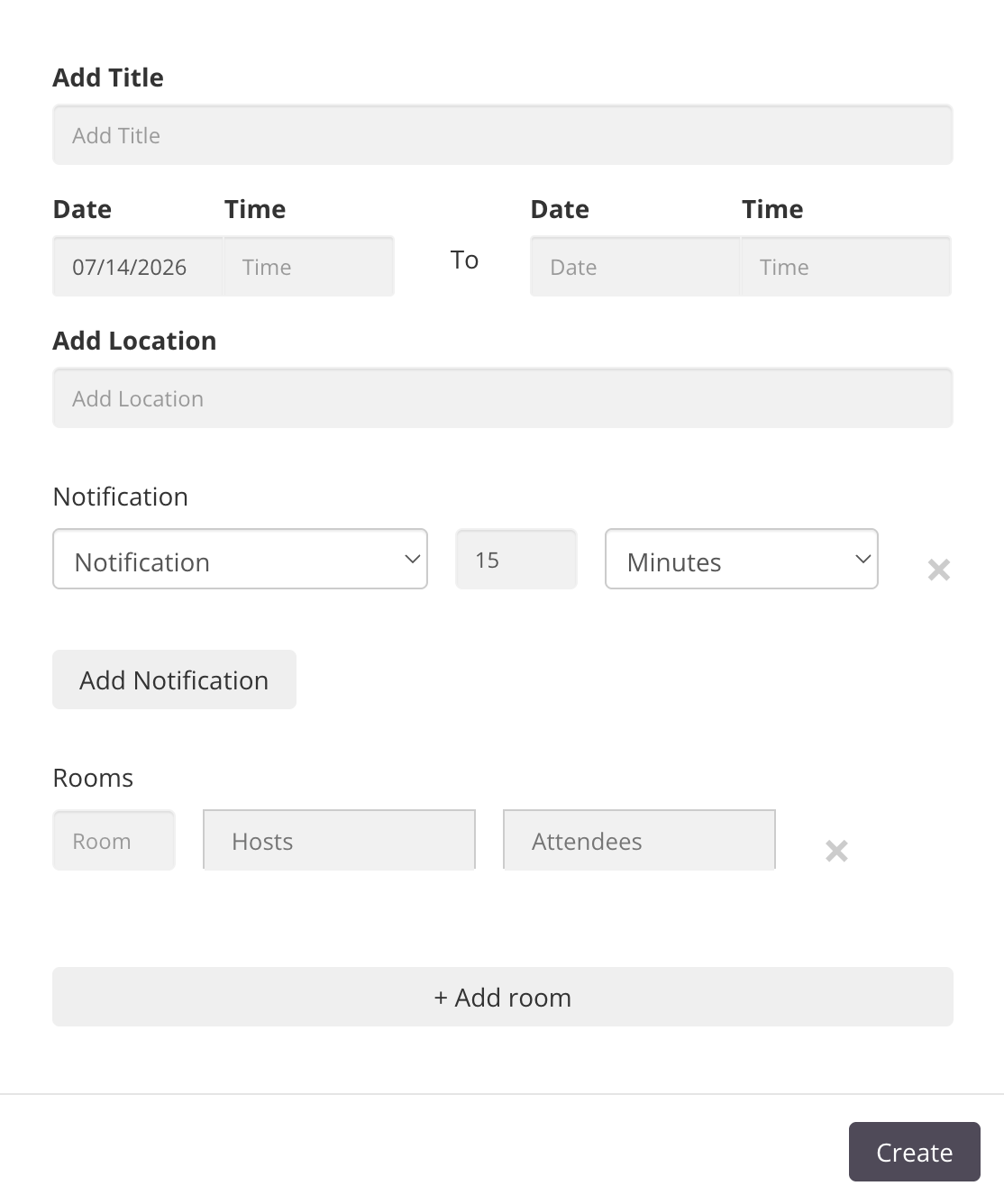
Click Add Event to create a new calendar event, then fill in the event details:
Event Name
Date and Time
Location
Notification Settings
Attendees
After completing the event details, click Create to save. Your new event then appears in the calendar.
For the full reference on calendars — including adding another user's calendar and inviting Groups via Channels — see Calendar Setup and User Access.