How do I create a support ticket in Coursebox?
You can submit a support request directly from the Coursebox Help Center. Once submitted, you can also track and respond to your tickets from the same portal.
ℹ️ Updated May 2026: The “Submit a support ticket” shortcut has been removed from the in-app create (+) menu. Please submit tickets via the support portal below.
Submit a support request
Go to the Coursebox support portal: https://support.coursebox.ai
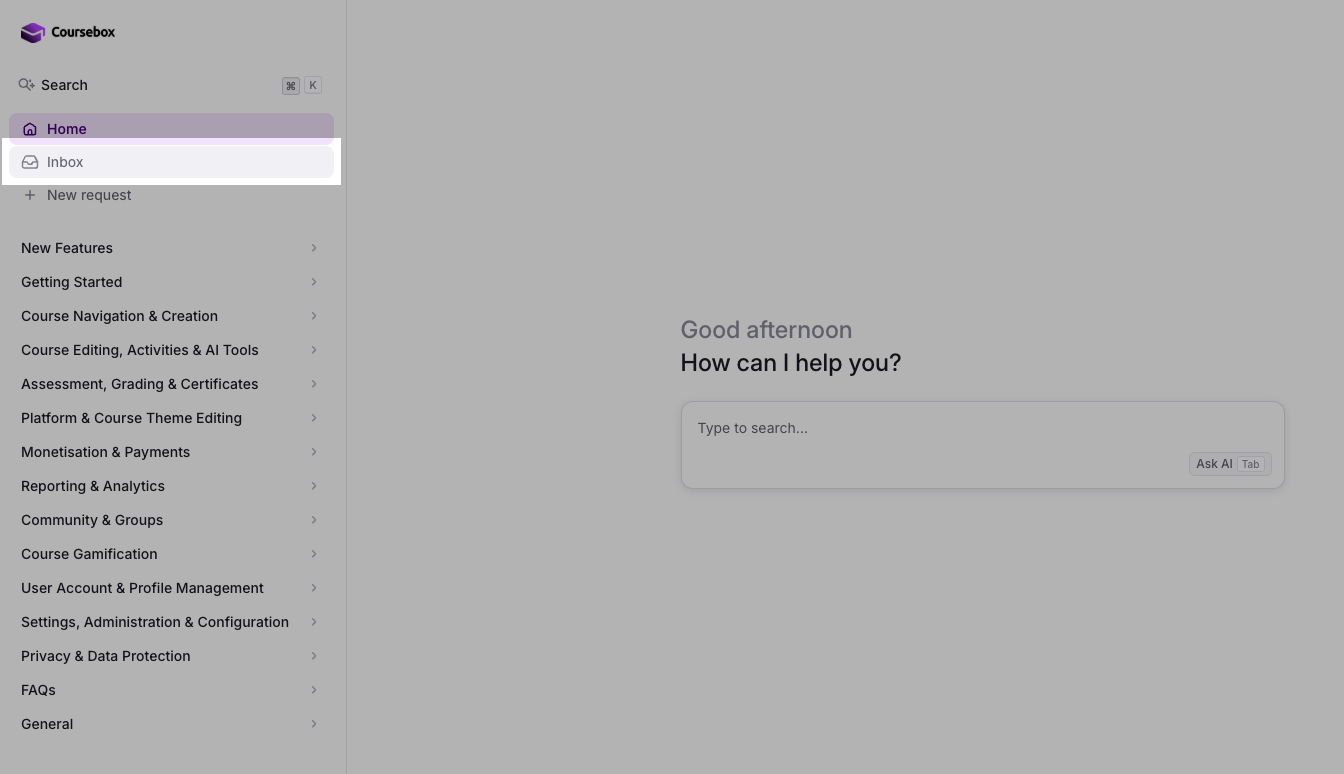
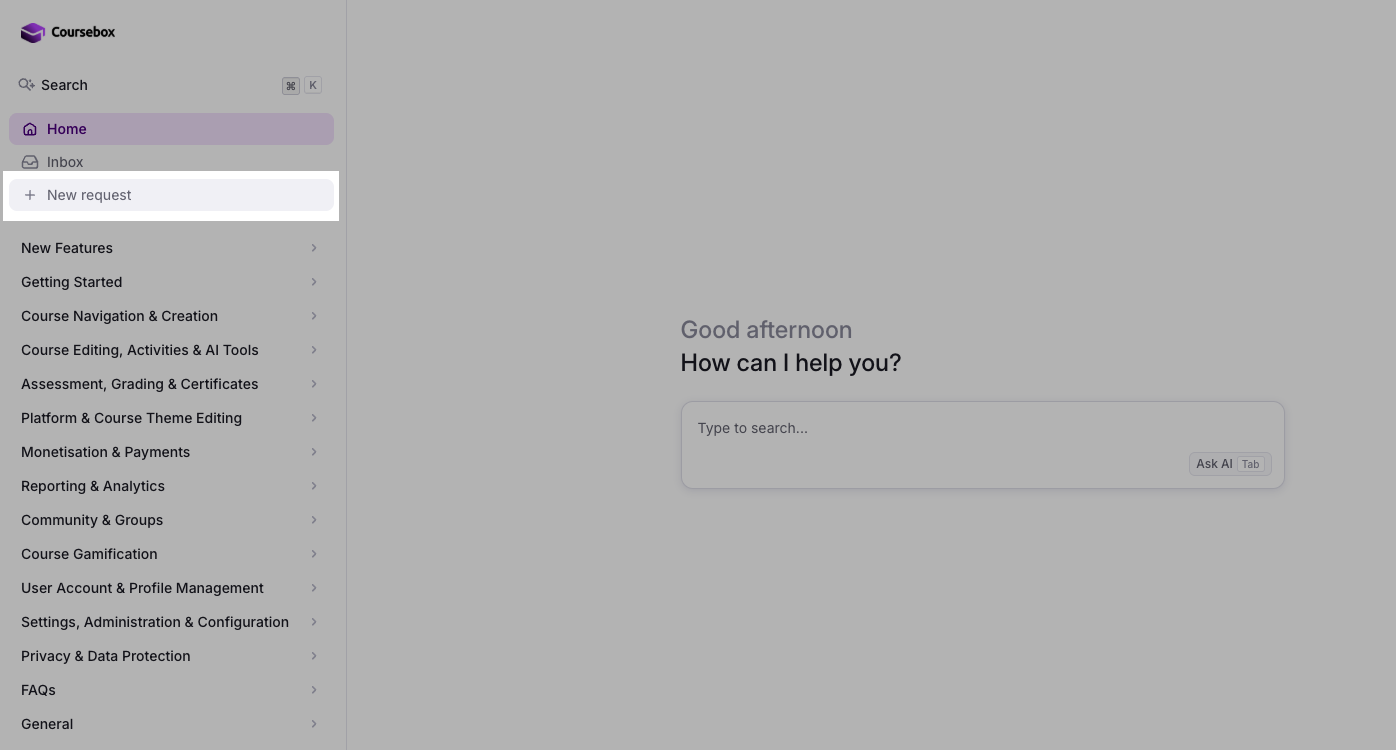
Click + New request in the left sidebar (or send an email to support@coursebox.ai directly).
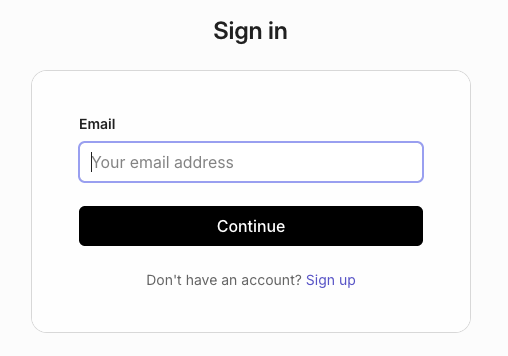
Sign in with your email address. Enter your email and click Continue — you'll receive a magic link to log in.
Fill in the support request form: describe your issue in the "What can we help you with?" field, add a Subject line, and a detailed Description. You can also add additional recipients if needed.
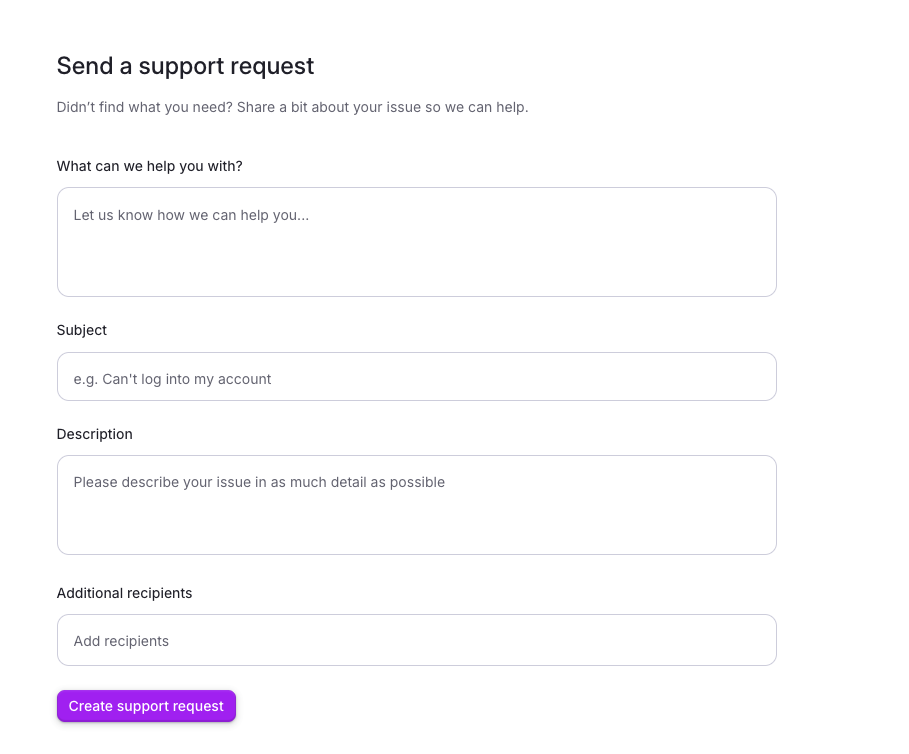
Click Create support request. Your ticket will be submitted and you'll be taken to your conversation thread where you can add further messages and track the status of your request.
To view or follow up on existing tickets, click Inbox in the left sidebar of the Help Center after signing in.