
How do I Share a Course on Social Media?
The course Share panel has social share buttons, so you can post a published course straight to social media to promote it and bring in learners.
Share a course on social media
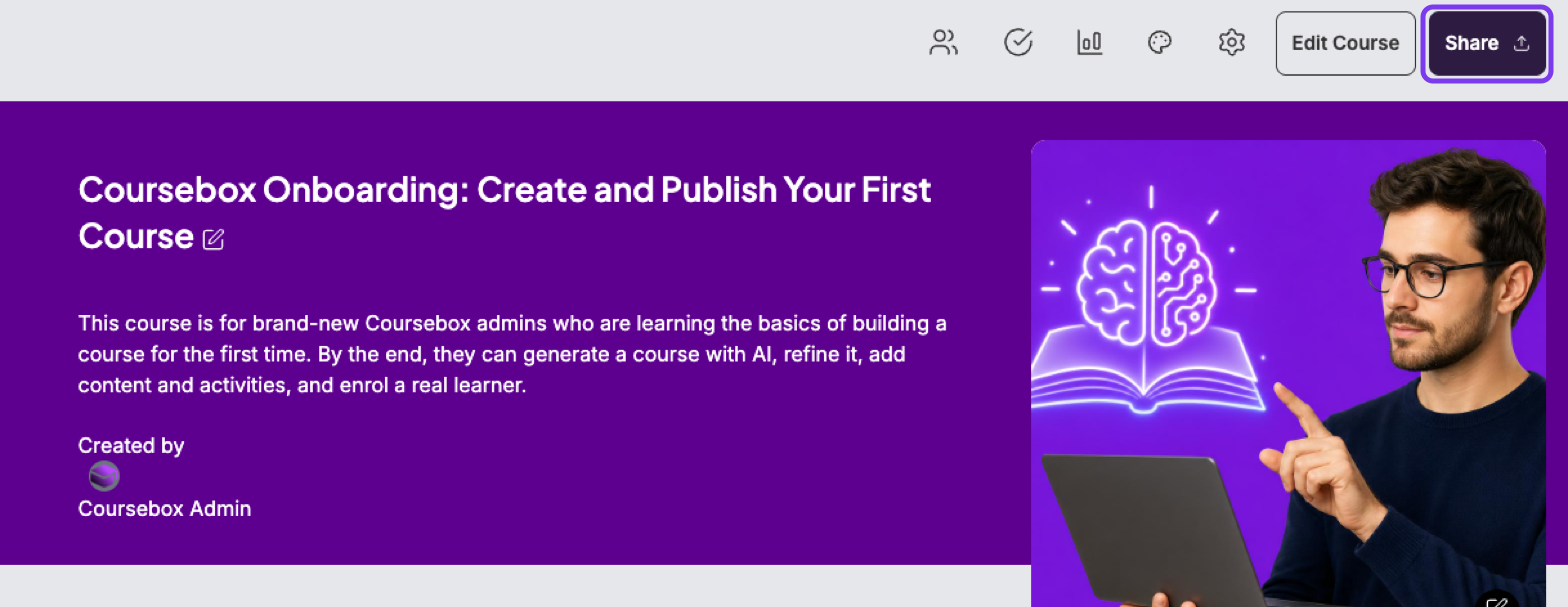
Open the course and click Share (top right).
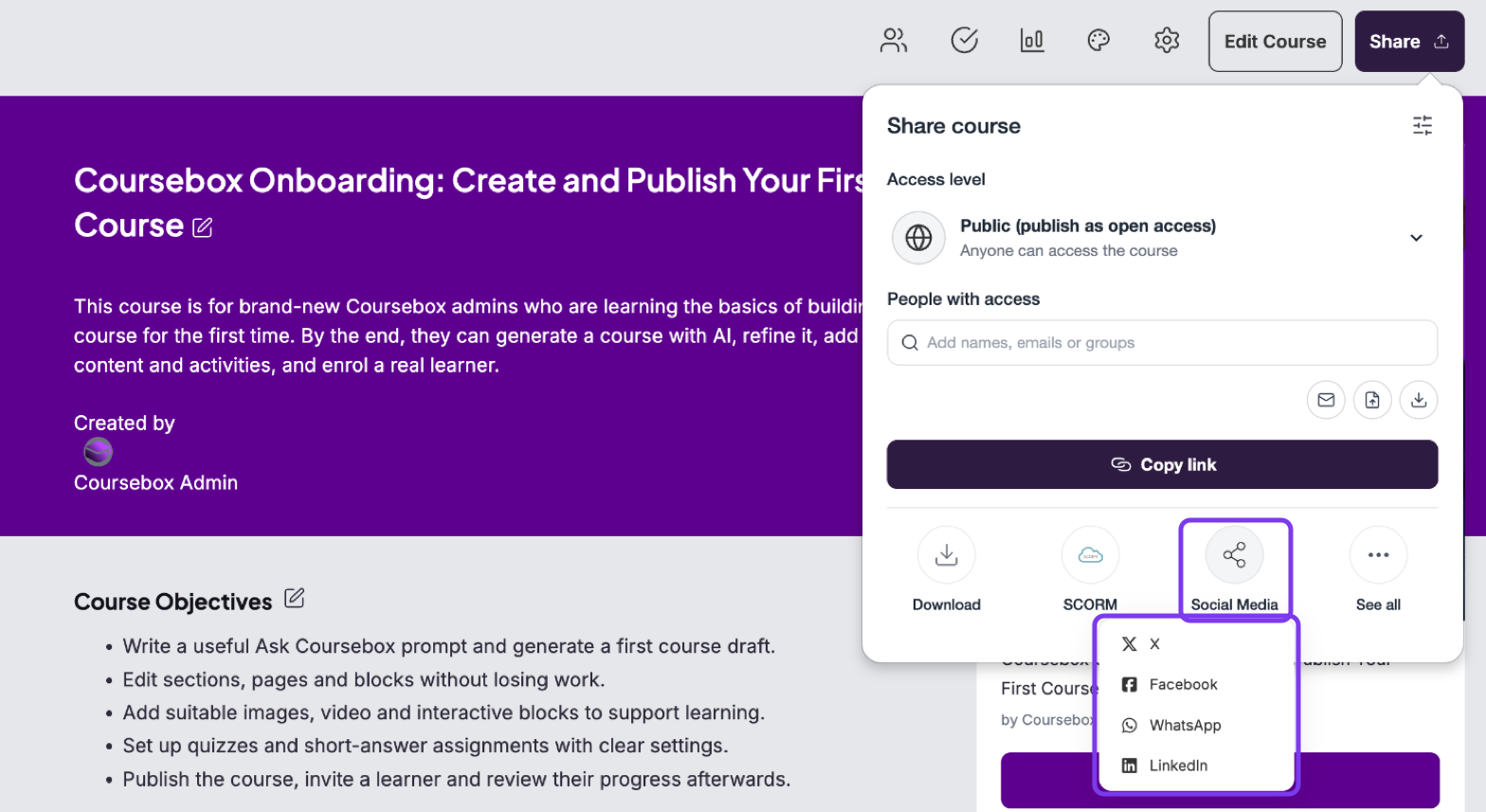
Click Social Media and choose X, Facebook, WhatsApp or LinkedIn.
A pre-filled post opens in a new tab. Review it and post it from there.
Tips for sharing
Set a cover image for the course before sharing — it appears as the preview image on social media.
Make sure the course is published as Public (or Sell this course) so people who click the link can start or buy it.
Add a compelling course description to improve engagement when the link is shared.
For other ways to share a course — copying the link, embedding it, LTI and SCORM — see Share & Export a Course.