
How can I use my domain name with Coursebox?
Plan requirement: Connecting your own domain (Bring Your Own Domain) is available on Pro + LMS and Enterprise. You must already own the domain through a registrar such as GoDaddy. Compare plans.
On an earlier plan? Plan names and inclusions changed when we moved to Free, Creator, Pro, Pro + LMS and Enterprise. If you are on an earlier plan, your subscription continues unchanged and you keep everything it included — so you may still see features this article lists under a higher plan. Nothing has been removed from your account.
Every branded LMS portal includes a free subdomain by default (for example, yourname.coursebox.ai).
Many organisations prefer to use their own domain or subdomain instead (for example, courses.yourcompany.com). You can set this up yourself using the steps below.
If you would rather we handle it, contact support@coursebox.ai or raise a ticket, and our team will complete the configuration for you.
Bring Your Own Domain
The Bring Your Own Domain feature allows you to connect a custom domain (for example, learn.yourdomain.com) to your Coursebox portal instead of using the default Coursebox URL.
Steps to configure a custom domain
Navigate to Theme in the portal settings
Click Theme — a new window will open displaying the portal branding options
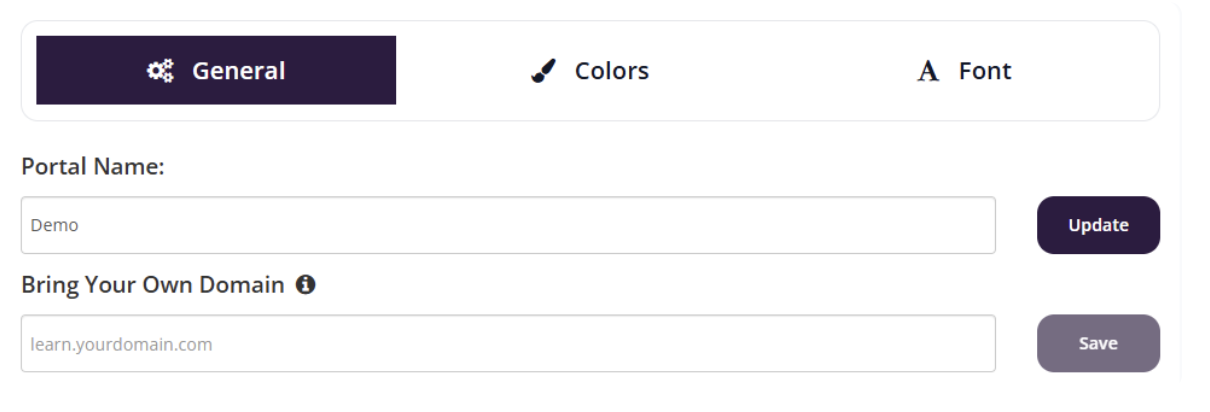
In the General tab, locate the Bring Your Own Domain section
Enter your custom domain (for example,
learn.yourdomain.com) and click Save
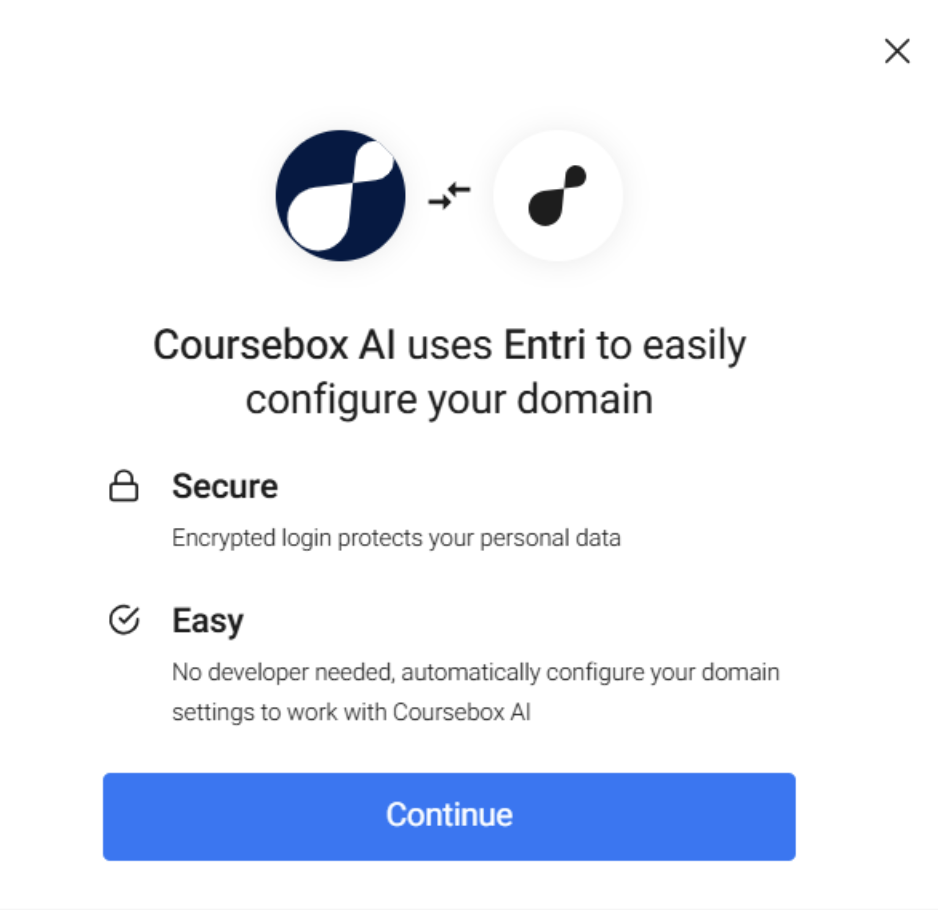
A setup window will appear to guide you through configuration
Click Continue to begin
Log in to your domain provider (for example, Network Solutions)
This allows automatic DNS configuration
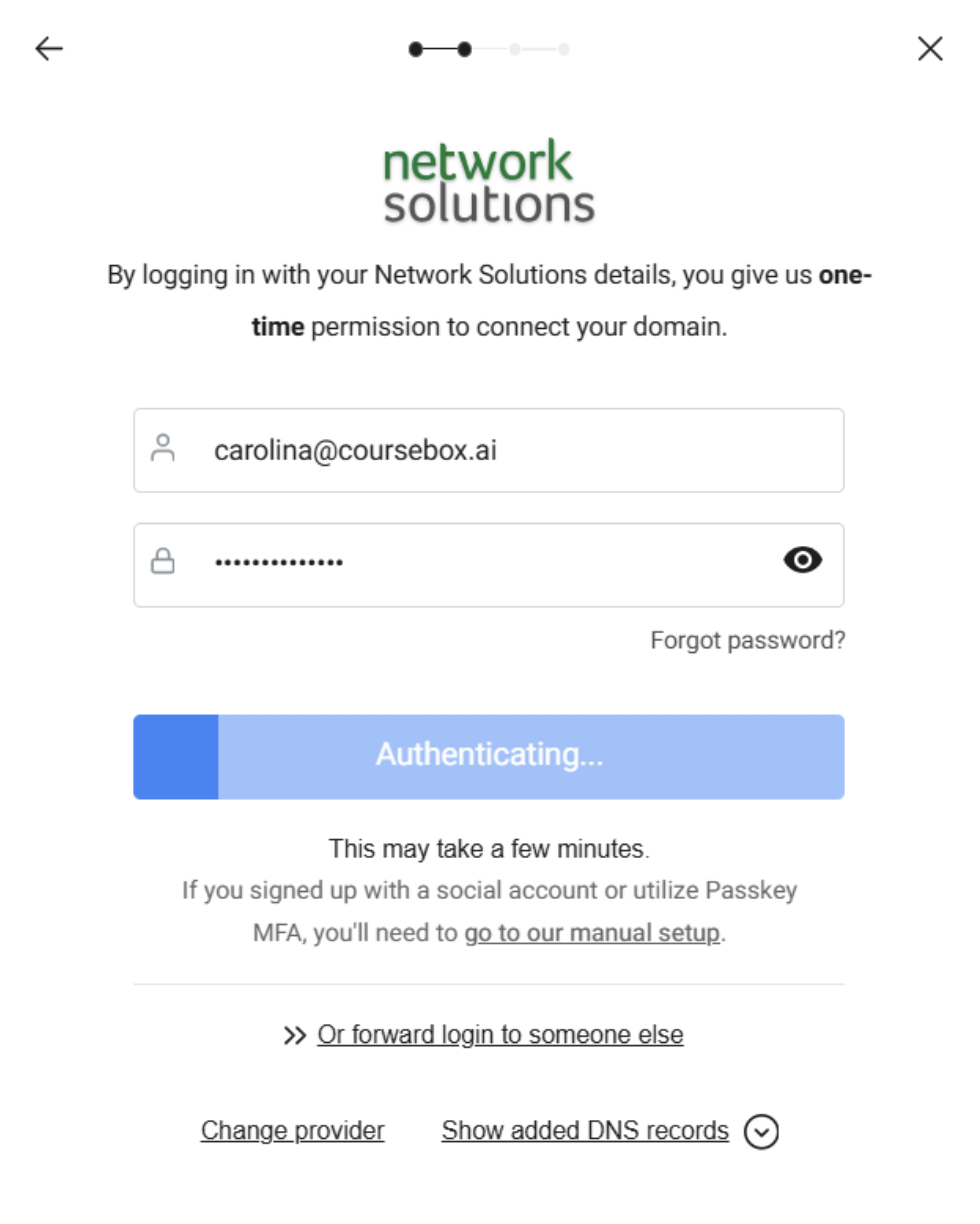
The system will automatically configure your domain
This may take a few minutes
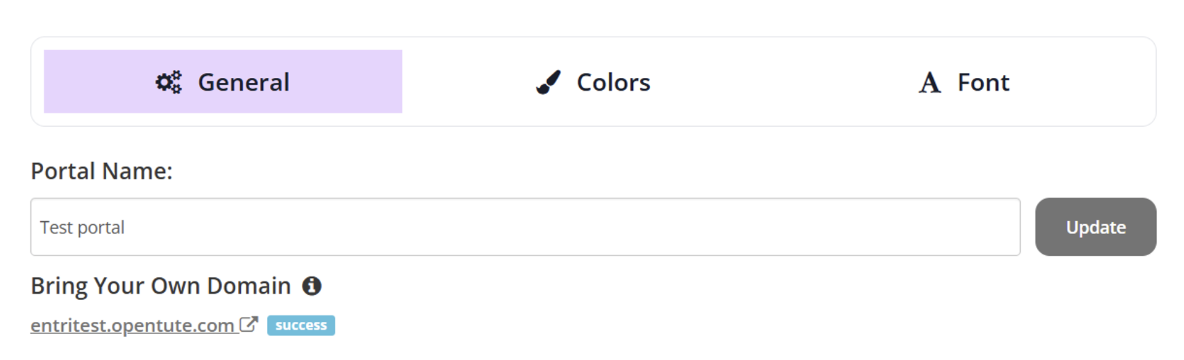
When the configuration is successful, the domain will display with a success indicator
For the wider branding settings that sit alongside this — logos, colours and fonts — see Platform Theme.