
Can I require learners to watch specific parts of a video and set forced completion in a slideshow?
Yes. In Coursebox, you can control which parts of a video learners must watch by splitting the video into targeted segments and uploading them as a sequence. You can then apply a Force Completion % rule to ensure learners view the required content before progressing. This is useful for skipping intros, credits, or focusing only on instructional parts of a video.
Steps
Use a video editing tool (e.g. iMovie, Clipchamp, VLC, or similar) to split your video into smaller segments. Example:
Segment 1: 10:12–18:43 (instructional content)
Segment 2 (optional): Other relevant parts
Then:
Go to your course in Edit mode.
Select the Videos view from the bottom menu.
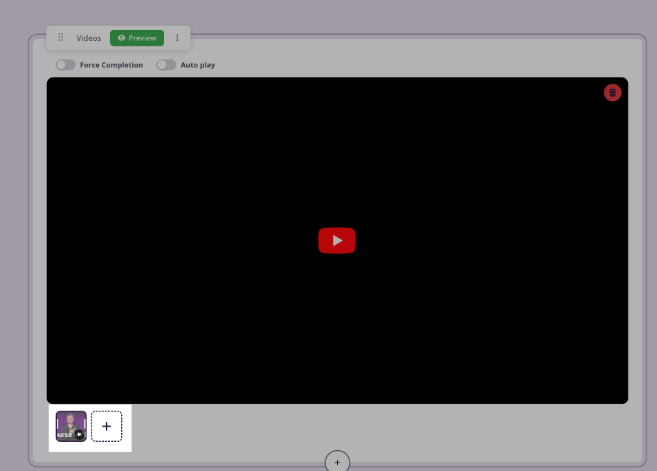
For each trimmed segment, add a new Video slide.
Upload the corresponding video file to each slide.
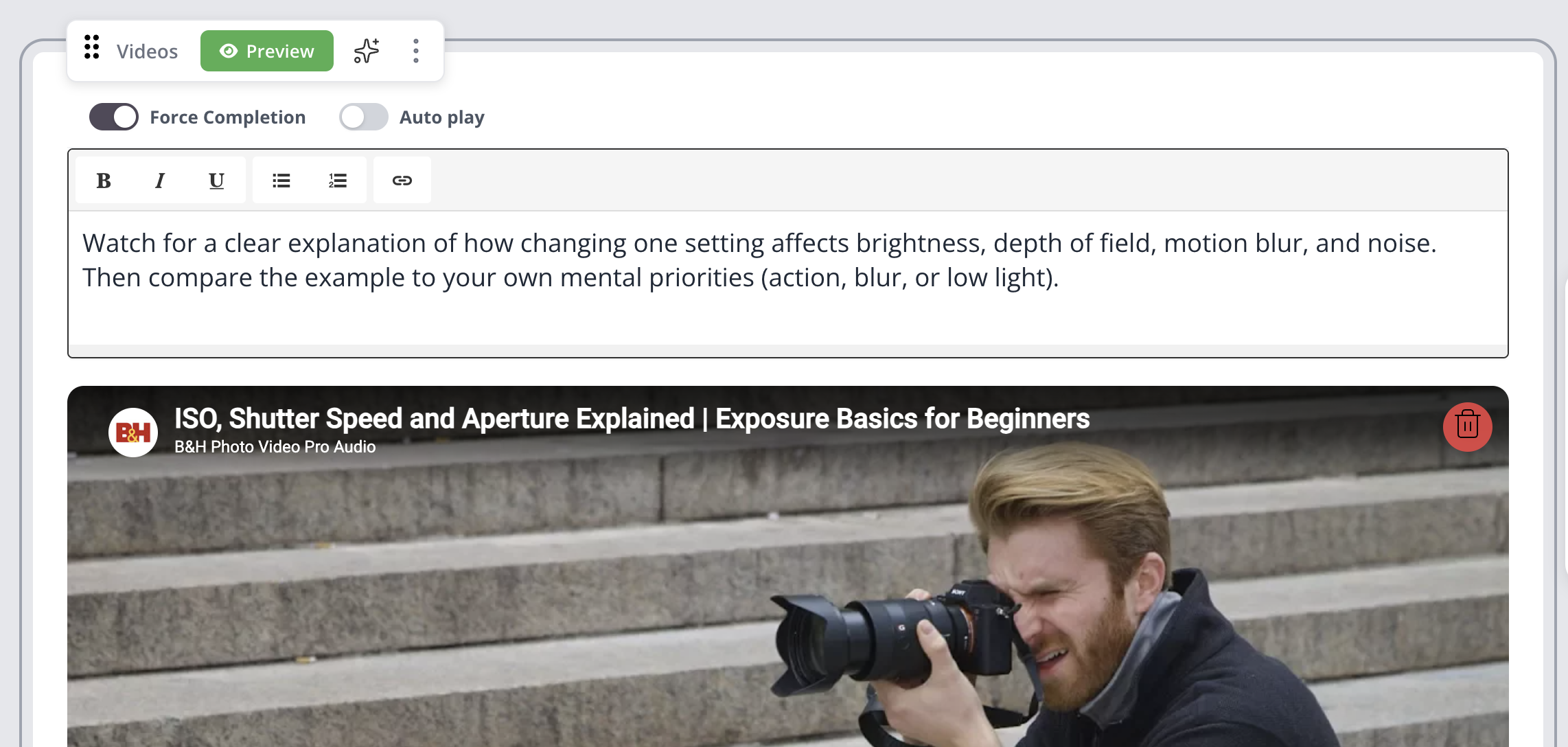
In the Advanced Options, select Force Completion. This will require the learner to watch that percentage of the video before they can continue.
For more information on video, see Multimedia Content.