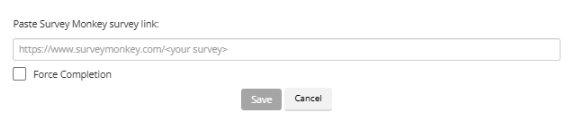
How can I force learners to complete videos, SCORM packages, slide decks, or external surveys in Coursebox?
You can enforce completion rules for different content types in your course:
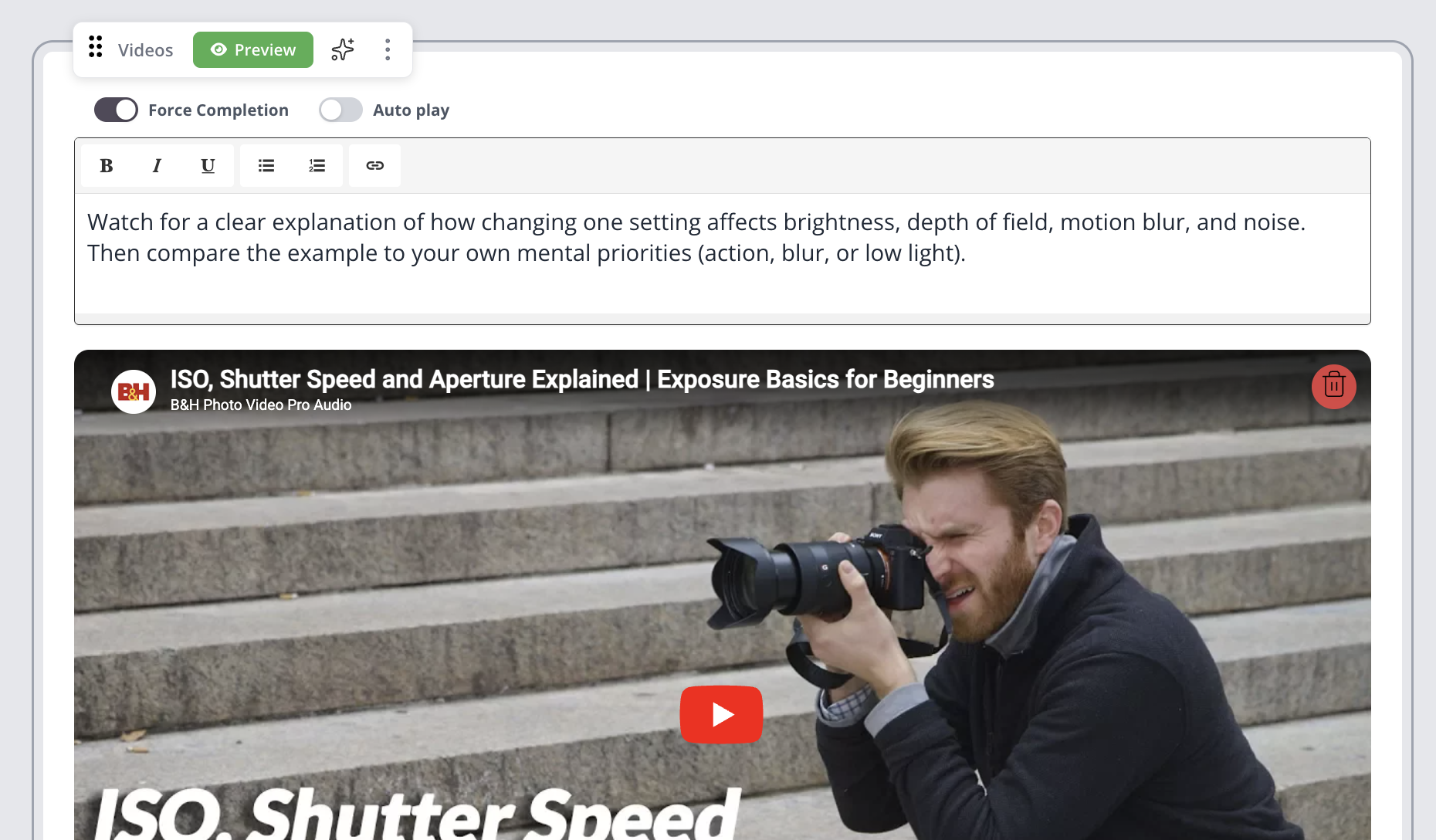
Videos
Enable Force Completion in the video settings. Learners must watch the full video (or a set start/end section) before it's marked complete.
SCORM packages
Upload your SCORM file and select Track Completion by SCORM Results. The activity only completes when the SCORM interaction is finished.
Slide decks
Add a slide deck block and enable Force Completion, requiring learners to click through every slide before progressing.

External surveys (e.g. SurveyMonkey)
Insert the survey using a URL or Embed block and enable Force Completion. Learners must click through to the survey, and if your survey requires completion before exit, they won't be able to skip it.