
How can I sell monthly recurring memberships in Coursebox?
You can charge users for access to your bundle (or group) content on a recurring monthly basis by following these steps.
Step 1: Edit your bundle or group settings
Go to your Dashboard.
Navigate to the Groups tab and select the bundle (e.g. Bundle One) you want to monetise.
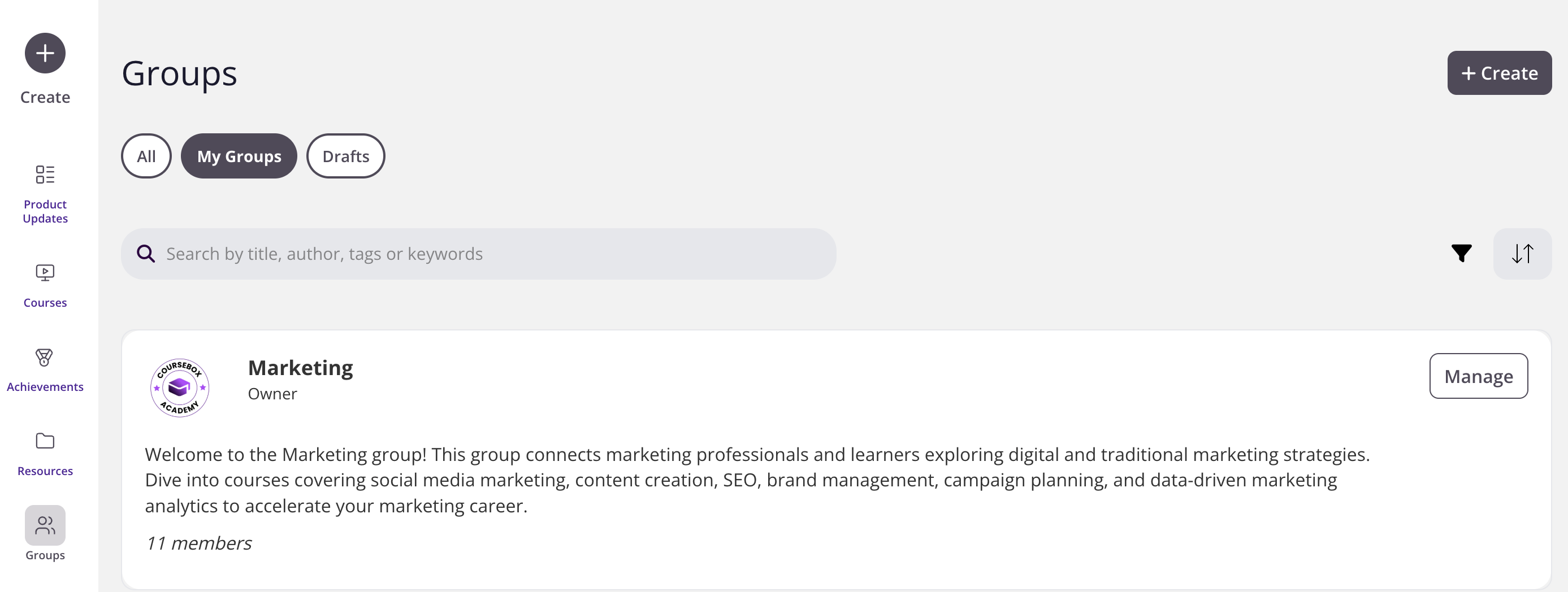
Click manage

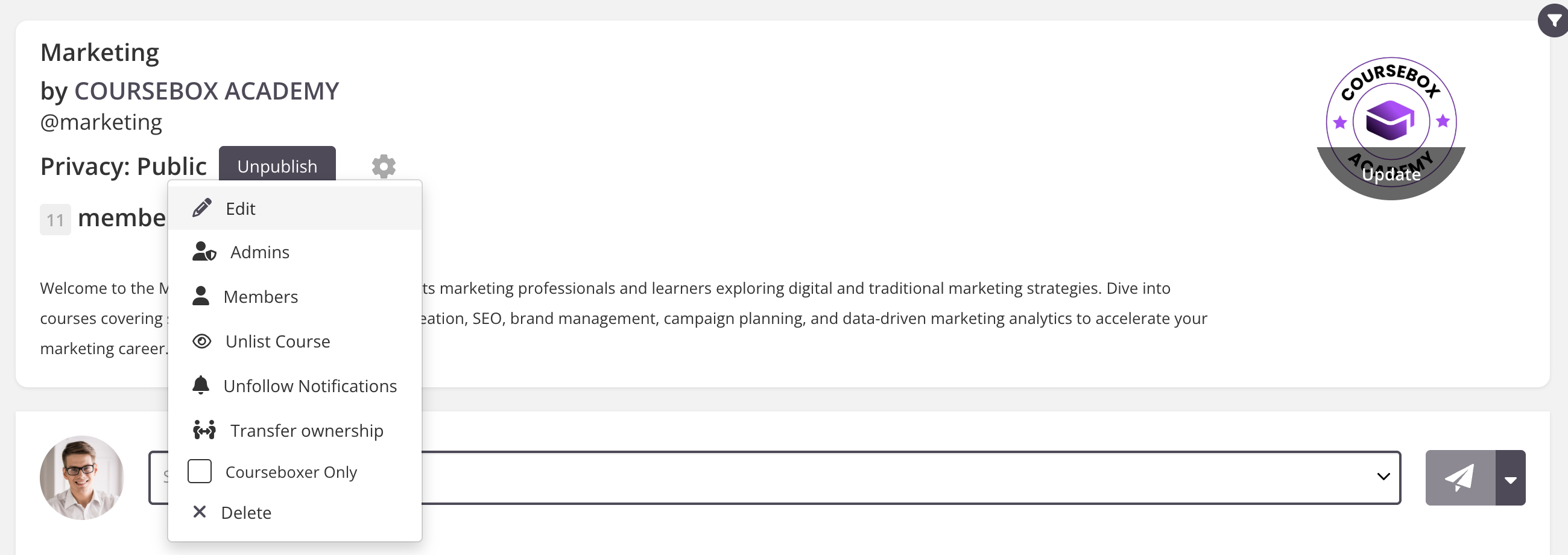
then the gear icon (⚙️) next to the title.
Select Edit from the dropdown menu.
Important: Before setting a membership fee, you must first connect your Stripe account.
In the Membership Fee field, enter your monthly price (e.g.
29.00).Select your currency from the dropdown (e.g. USD or AUD).
In the Additional Tax field, add any VAT/GST percentage (e.g.
10.00for 10% GST).

Use the Description box to explain what members get for their subscription. You can format the text using the toolbar above the box.
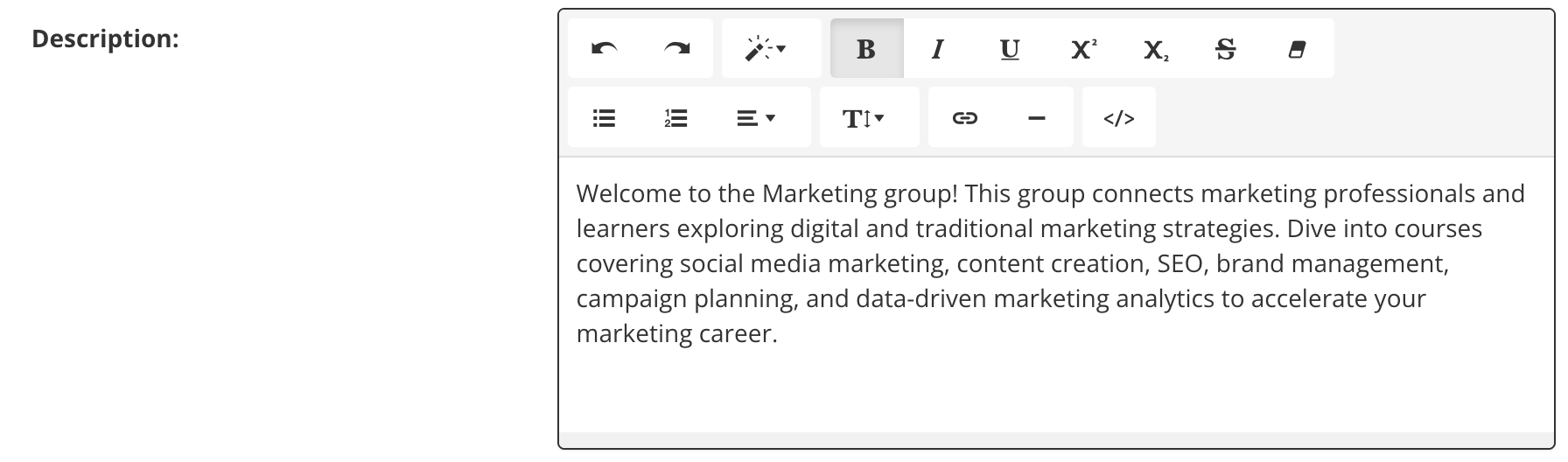
Example: Access to all premium training content, monthly webinars, downloadable templates, and discussion boards.
Groups: Tick Anyone can post if you want members to contribute to discussions.
Broadcasts: Set how often email broadcasts are sent. For example, if set to 1, members will receive an email for every post.
Default Notifications: Choose if All users or only Admins will receive updates by default.
Force Acceptance of Terms: Tick this box if you want members to agree to your terms before joining.
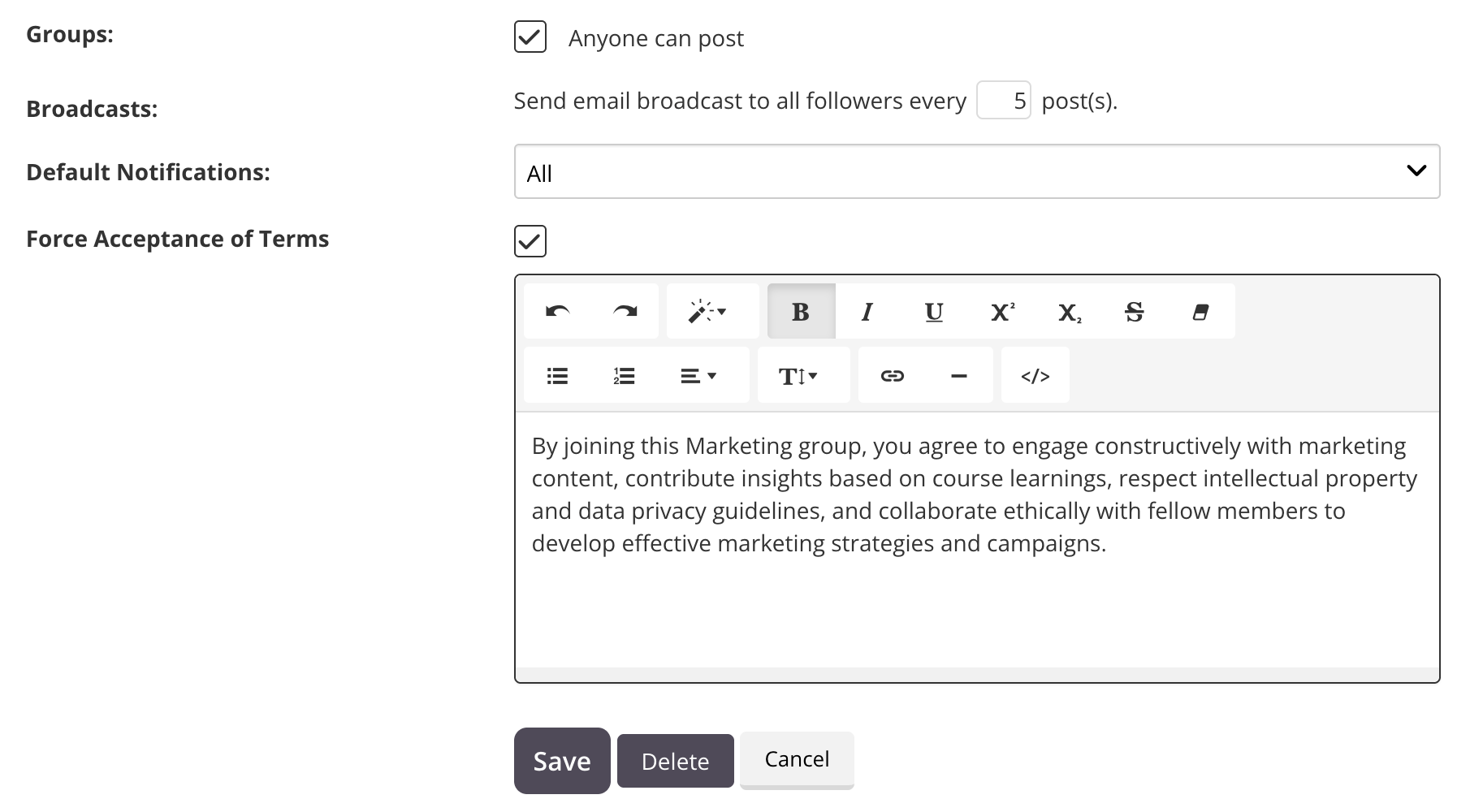
Click Save to apply your changes.
You can now Publish the bundle and share it with your audience for paid monthly access.
For more information on selling courses, see Managing Payment with Stripe, PayPal or Paystack.
Important: To accept recurring payments, you must connect your Stripe account first. For instructions on setting up Stripe, see Managing Payment with Stripe, PayPal or Paystack.