
Can I customise email notifications and SSO login?
Available on every plan. Customising these email templates is not restricted by plan — there is no plan check on Portal Settings or on notification settings. Access is by role: you need to be a Super Admin. Single Sign-On is the exception — SAML 2.0 SSO is an Enterprise feature and is set up with the Coursebox team.
Yes. In Portal Settings, you can edit templates for system-generated emails such as registration and invitations. You can also configure Single Sign-On (SSO) using SAML 2.0 and manage language settings, notifications, and onboarding visibility.
The Super Admin can customise the automatic emails sent to users during the registration process.
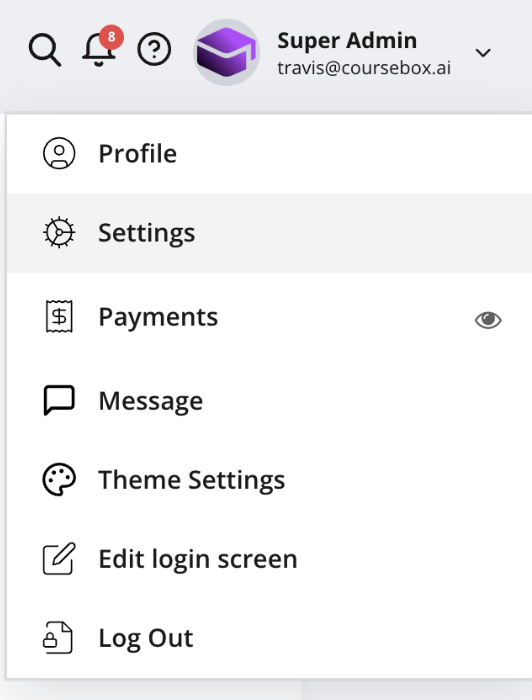
There are three different email templates available:
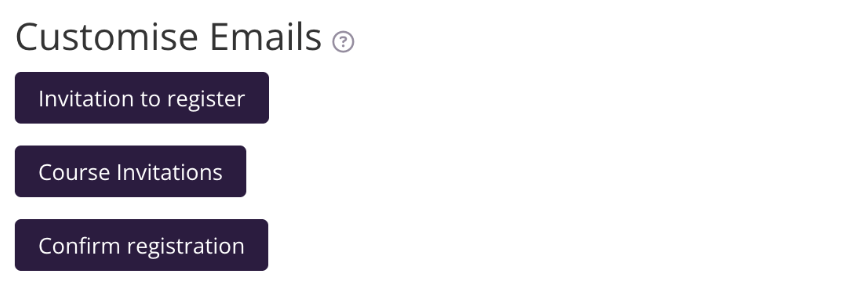
Invitation to Register
This email is sent when you invite a new user to the portal. You can customise it in two ways.
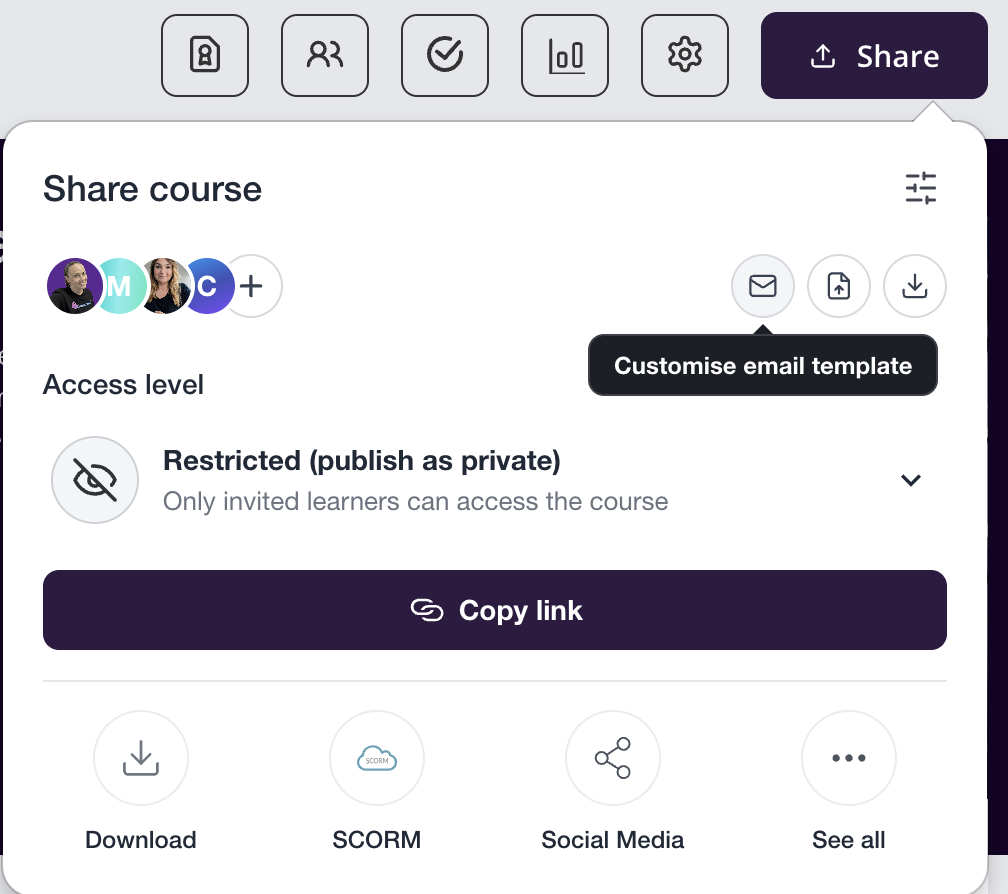
Option 1 — through the Share section:
In the top-right corner of the course editor, click the Share button.
Select the envelope icon to customise the email.
Option 2 — through Portal Settings:
Click the Invitation to register link to edit the template.
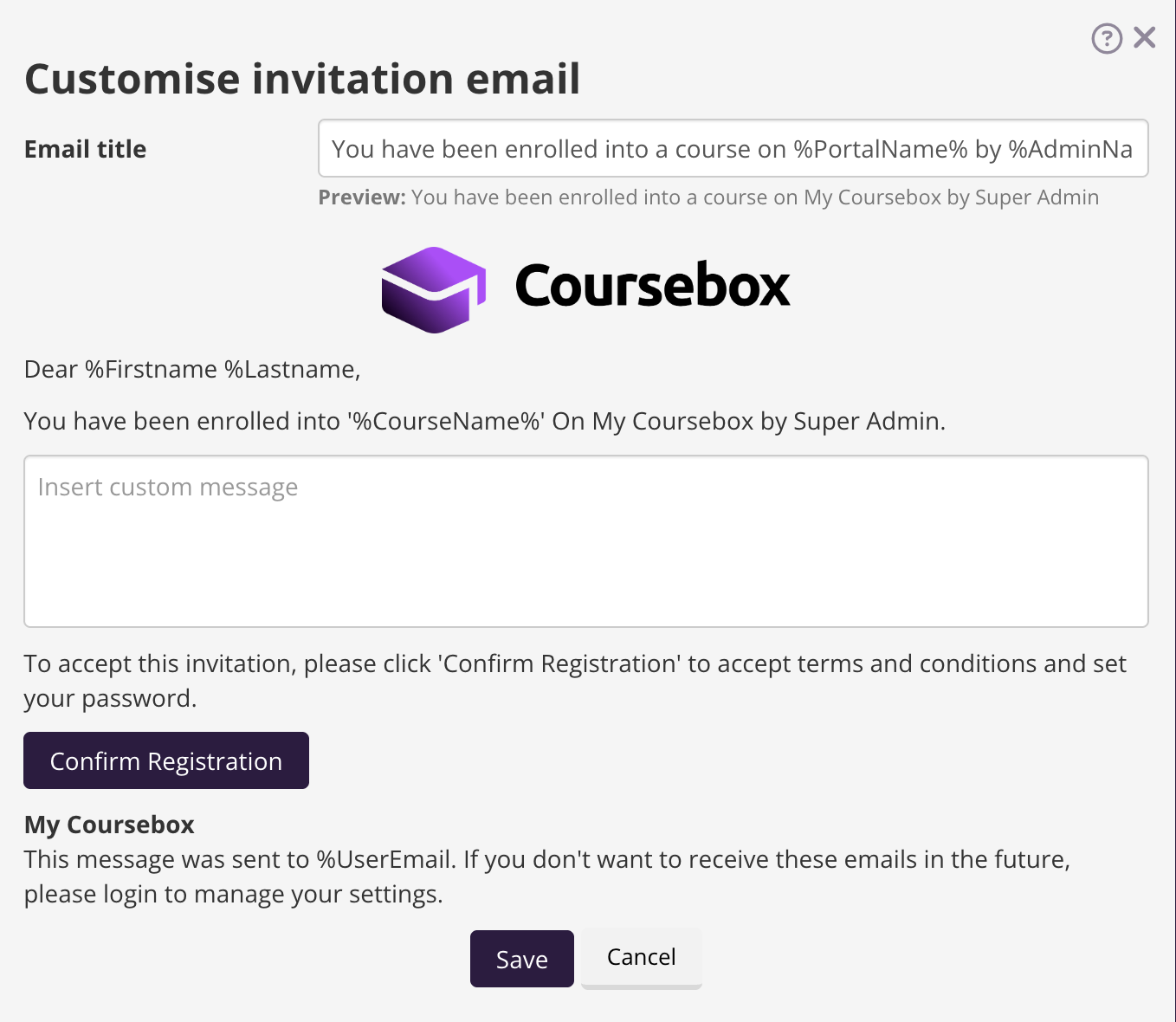
Edit the subject and body of the email, then click Save.
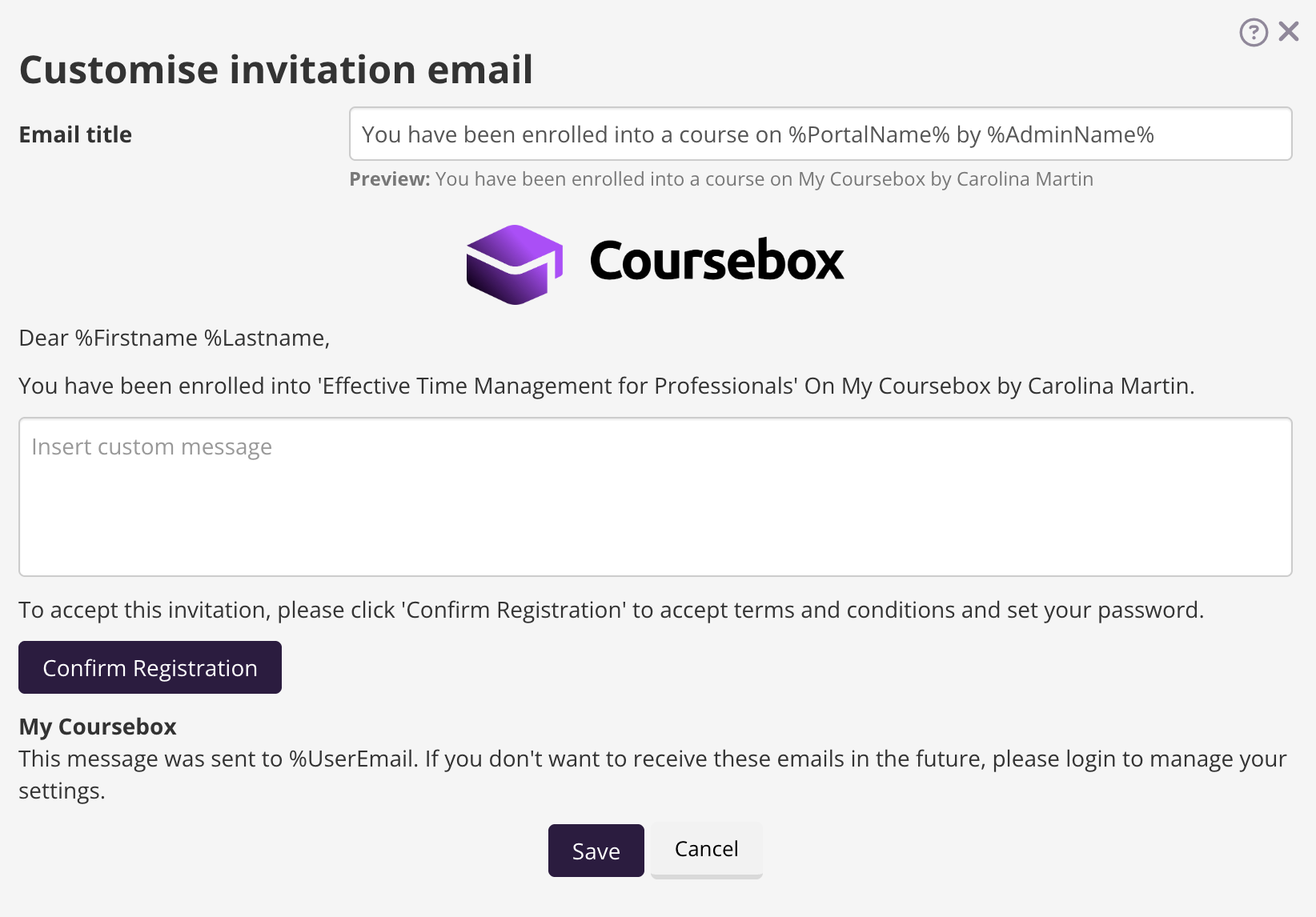
The email logo is changed separately, under Theme settings.
Course Invitations
Click the Course Invitations link to edit the template. Edit the subject and body of the email, then click Save.
Confirm Registration
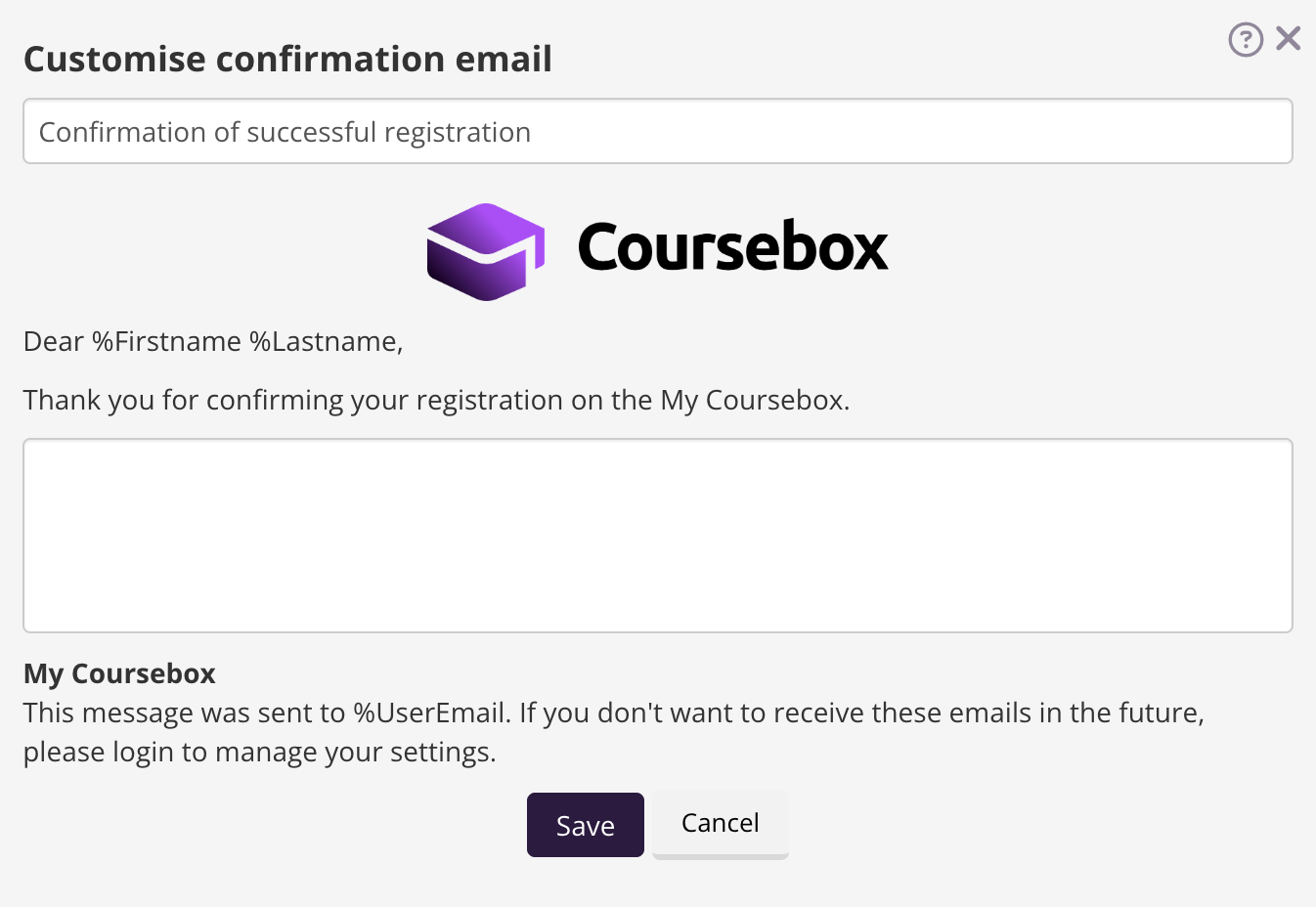
Click the Confirm registration link to edit the template. Edit the subject and body of the email, then click Save.
Single Sign-On (SSO) with SAML 2.0
Plan requirement: SAML 2.0 Single Sign-On is available on Enterprise only, as a paid add-on. It cannot be added to a self-serve plan. Compare plans.
Coursebox supports SAML 2.0 Single Sign-On, so users can log in with their existing organisation credentials — a secure, seamless experience for learners, admins, and facilitators in enterprise or institutional environments.
SSO is configured with help from the Coursebox team. To set it up, contact support@coursebox.ai (or your Coursebox rep) and provide:
Your Identity Provider's SAML IdP metadata in XML format
A sample SAML token containing all the user claims your IdP will generate
A test user for each user group
Coursebox will provide the SP (Service Provider) metadata you need in return.
For full technical detail, see Integrations — SAML, WordPress, Arlo, SCORM, Zapier, Open API.