
Overview & Introduction
https://support.coursebox.ai/article/overview-introduction
Welcome to Coursebox. This page introduces the platform and explains how to use this manual to navigate features, tools, and workflows efficiently—whether you’re new to Coursebox or managing more advanced configurations.
About Coursebox
Coursebox is a powerful, AI-driven learning design platform that makes it easy for educators, content creators, and training providers to build engaging online learning experiences. Whether you’re creating a compliance course, onboarding module, or a rich media training program, Coursebox offers intuitive tools to streamline every step—from authoring and interaction to publishing and learner management.
With AI assistance, drag-and-drop features, SCORM support, and advanced analytics, Coursebox helps reduce development time and enhance the learning journey. It's used by individuals and organisations around the world to deliver scalable, flexible, and impactful training.
Watch the tutorial videos found in our YouTube Video Library.
How to Use This Help Centre
This help centre is designed as a practical, go-to guide for navigating Coursebox—whether you're just getting started or exploring advanced features. You’ll find the manual divided into major categories like course creation, AI tools, assessments, media management, branding, and learner reports. Here's how to make the most of it:
First-time users should begin with the Getting Started and Creating a Course sections.
Admins and advanced users can explore the AI Features, Reports, and Super Admin Tools sections for deeper capabilities.
Search using Ctrl+F or the platform’s keyword search tool to locate specific tools or features.
Hyperlinks in the Table of Contents will take you directly to each section for quick reference.
Tutorial Videos
Watch step-by-step tutorial videos in our YouTube Video Library, covering key Coursebox features, course creation, AI tools, publishing, and platform settings. These short, practical videos are designed to help you get up and running quickly.
Frequently Asked Questions
What is Coursebox?
Coursebox is an AI-powered Learning Management System (LMS) that allows you to create, deliver, and manage online courses. It uses artificial intelligence to help you rapidly generate course content, assessments, and learner materials.
Who is Coursebox for?
Coursebox is designed for educators, trainers, HR professionals, and businesses who want to create and deliver online training. It suits both individual instructors and large organisations managing multiple learners.
What can the AI do?
The AI can generate course outlines, lesson content, quizzes, and assessments from a topic, URL, document, or video. It can also provide learners with AI-powered tutoring and instant feedback on assignments.
What can't the AI do?
The AI cannot guarantee 100% accuracy in all generated content — always review AI-generated material before publishing. It also cannot access real-time data, the internet, or external systems beyond what has been connected to your account.
How do I get started?
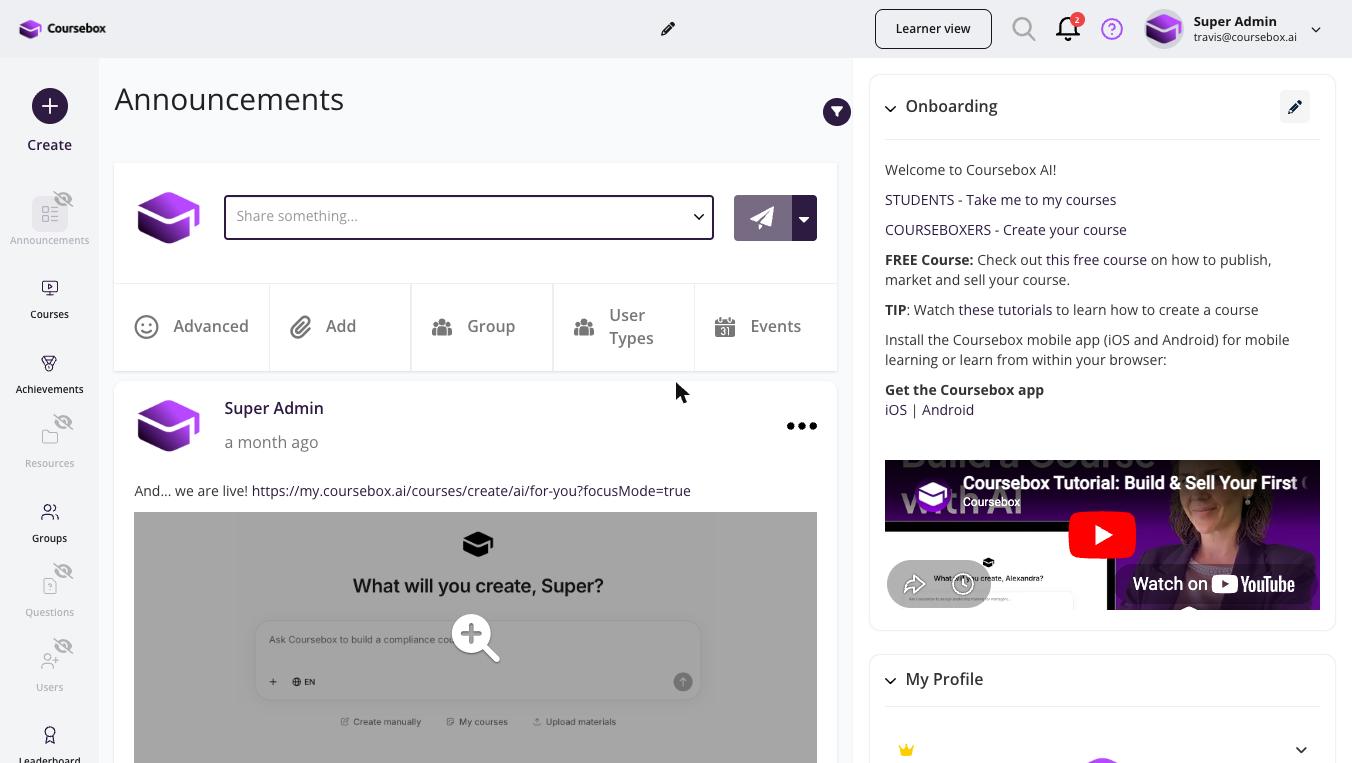
Start by logging into your Coursebox account at my.coursebox.ai. From the dashboard, go to Courses > Create New Course. You can build a course from scratch or use the AI generator. See the LMS Launch Checklist article for a step-by-step setup guide.
How do I add learners to my course?
You can enrol learners manually from the Learners section, send them a direct enrolment link, or connect an SSO/integration for automatic enrolment. Learners receive an email invitation with login instructions.
Where do I get help if I'm stuck?
You can search this Help Centre for articles on specific features, or submit a support ticket via the Create a Support Ticket article. Our support team typically responds within 1 business day.
You can also use the AI Support Chat (the chat bubble in the bottom-right corner of the Help Centre). Here's what to know about it:
It is an AI-powered chat, not a human agent — it can answer questions and provide guidance based on the Help Centre content.
You can attach images or Loom recordings if you need to show the issue you are experiencing.
If you need a human to intervene, attach your media and describe your issue — a support team member will follow up.
The AI chat is not an agent — it cannot take actions inside Coursebox on your behalf. If you need the AI to help you build or edit a course, use the + button (top-left) to create a new course, or click the Magic AI Editor button inside an existing course.
Troubleshooting Getting Started
I can't log in to my Coursebox account.
First check your email and password are correct and Caps Lock is off. Use Forgot Password on the login page if needed. Contact support if you still cannot log in.
I did not receive my account activation email.
Check your spam folder for an email from noreply@coursebox.ai. Wait 5 minutes and check again. You can request a new activation email from the login page. Contact support if the issue persists.
I can log in but I don't see any courses on my dashboard.
If you are a learner, you may not have been enrolled in any courses yet. Contact your course administrator to confirm your enrolment. If you are an admin, ensure your courses have been published. Draft courses are not visible to learners.