
What is the difference between Dynamic SCORM and Self-hosted SCORM?
Coursebox offers two ways to export your course as SCORM: Dynamic SCORM and Self-hosted SCORM. For the full export steps, per-LMS upload guides, and troubleshooting, see Share & Export a Course.
Which plan do you need? Dynamic SCORM export is available on Creator and above. Self-hosted SCORM export is available on Pro and above. Neither is included on the Free plan.
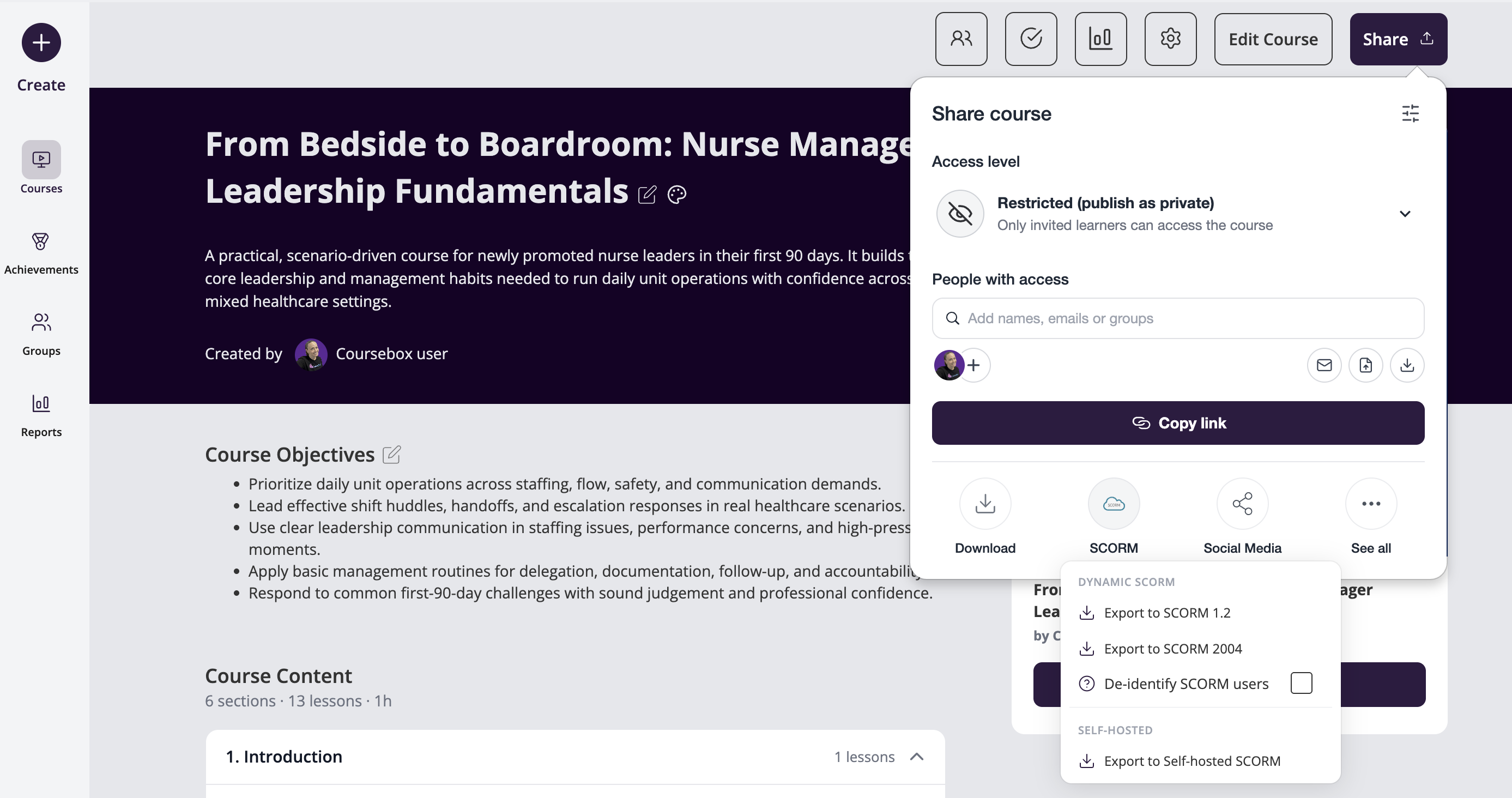
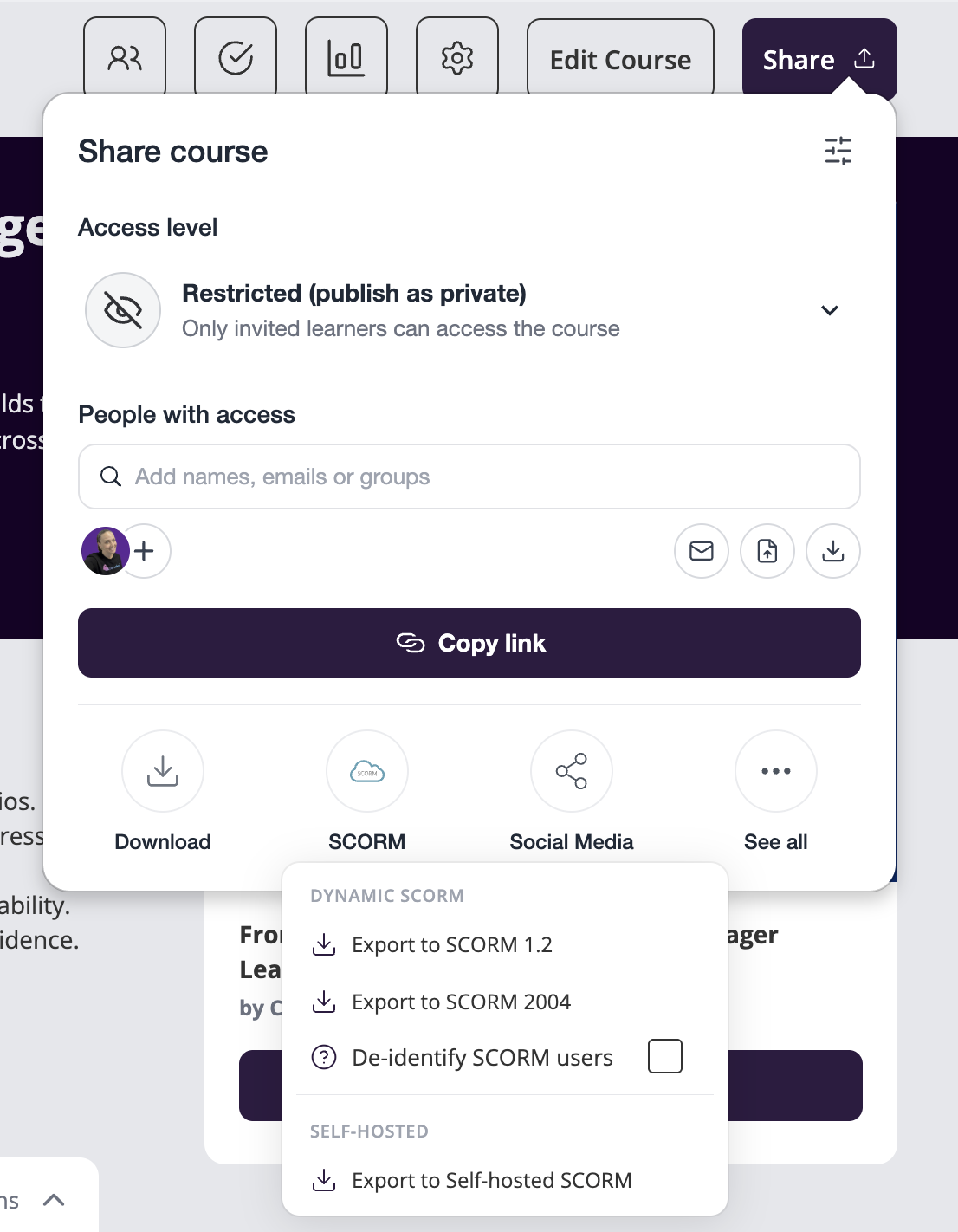
Dynamic SCORM
Dynamic SCORM (Export to SCORM 1.2 or 2004) stays connected to Coursebox while it runs in your LMS. The package you upload is a small wrapper that points back to your published course on Coursebox, which serves the content and tracks progress as the learner goes. Because it stays connected, every feature keeps working: listen mode, short answer questions, assignment submissions, discussions, and the AI tutor. Most content edits also appear automatically on the next launch, so you only re-export when you change the course structure. The course must stay published and your account must stay active for a Dynamic SCORM package to keep working.
Learners who take the course in your LMS also appear in your Coursebox Reports, with their progress, scores and time spent, so you can follow them in Coursebox as well as in your LMS.
Choose Dynamic SCORM if you want the full experience and your LMS can reach Coursebox. Available on Creator and above.
Self-hosted SCORM
Self-hosted SCORM (Export to Self-hosted SCORM) is a fully standalone package that runs on your own server or LMS with no connection back to Coursebox. This makes it ideal for offline use, closed networks, or organisations that require self-hosted delivery. Because it doesn’t connect back, learner activity is tracked only in your LMS and doesn’t appear in your Coursebox Reports. Available on Pro and above.
Because a self-hosted package runs on its own, the following features rely on a live connection, so they work with Dynamic SCORM rather than in a self-hosted package:
Listen mode (text-to-speech)
Short answer questions in quizzes
Assignment submissions
Discussions
AI tutor
SCORM 1.2 or 2004?
Both Dynamic SCORM versions work in any SCORM-compatible LMS. Choose SCORM 1.2 for completion and score tracking, the most widely supported option. Choose SCORM 2004 if you need interaction-level detail, sequencing, or bookmarking.
Coursebox's SCORM 2004 export is a single standard implementation compatible with 3rd/4th edition requirements. There is no separate selector for a specific edition and no setting to disable unused data or change the scoring model. If your target LMS requires a specific edition (for example, a strict 4th-edition-only import like some KnowBe4 configurations), we recommend testing the export directly or sharing the exact rejection error with support so we can confirm compatibility.
Which SCORM should I choose?
Choose Dynamic SCORM if you want every feature to work and your LMS can connect to Coursebox.
Choose Self-hosted SCORM if you need a fully independent package and can do without the connected features above.
What happens if you pause or cancel
Tip: if you plan to pause or cancel your subscription, export a Self-hosted SCORM package first as a backup so any existing SCORM deployments keep working. (Self-hosted export needs Pro or above, so do this while you are still on a plan that includes it.)
Scenario | Dynamic SCORM | Self-hosted SCORM |
|---|---|---|
Plan required | Creator and above | Pro and above |
Course unpublished | Stops working for learners | Keeps working |
Account paused, suspended, or past due | Stops working for learners | Keeps working |
Why | Wrapper calls back to Coursebox at runtime | Standalone package, no runtime connection |
Related articles
Can I embed Coursebox courses in another LMS using LTI or SCORM?
Export or Upload Your Course to Udemy, Coursera and Other Platforms