
How do I downgrade to the Free plan?
You can move your Coursebox account from a paid plan back down to Free at any time, and it's a self-serve step you do yourself from your account settings. Before you do, there are two alternatives worth a look — they often solve the same problem without giving up your plan.
Option 1: Pause instead of downgrading
If cost is the main driver, you can pause your subscription rather than moving to Free. Pausing stops billing for up to three months and keeps your courses for that time, so there is nothing to rebuild when you come back.
For the full steps, see Pausing your subscription (instead of cancelling).
Option 2: Talk to us first (free, no pressure)
We're happy to hop on a free 1:1 call with one of our senior instructional designers to see whether there's a better fit for how you're using Coursebox — a different plan, a different setup, or a fix for whatever isn't working.
Ready to talk? Book here to schedule your free call.
You can also email the team any time at support@coursebox.ai.
How to move to the Free plan
Free is not selected from the Upgrade popup the way paid tiers are. On my.coursebox you end the paid plan and your account reverts to Free:
Go to Settings → Account.
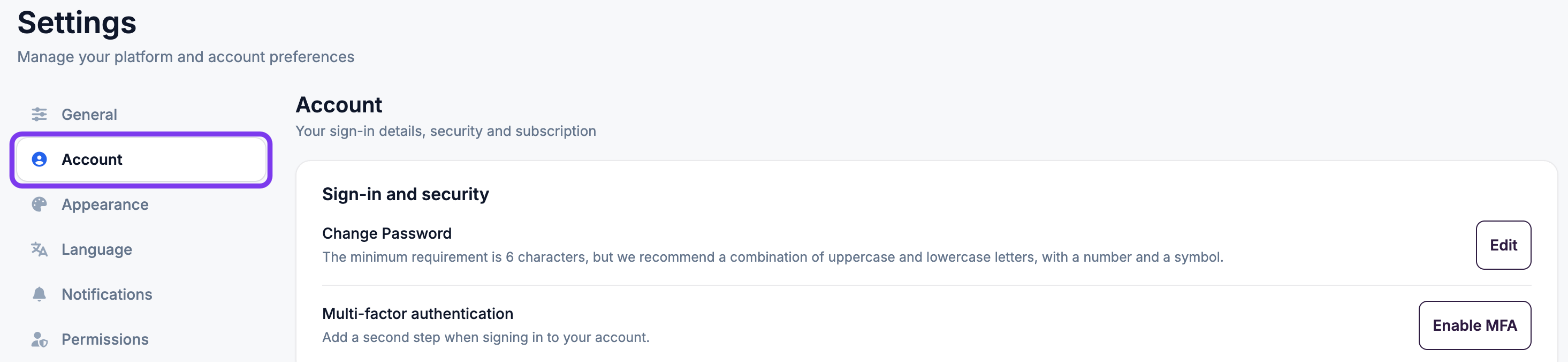
Under Subscription, click the grey Cancel Plan button and confirm when prompted.

This stops the paid billing and returns your account to the Free plan. Your account stays active and is not deleted — you keep your login and your account remains yours, but features and AI credit allowances above the Free plan’s limits no longer apply. The Free plan includes 3 mini courses in total, so if you have already created 3 courses you can’t create more.
You can move back to a paid plan any time using the Upgrade button in the top bar.
If anything doesn't go through cleanly, contact us at support@coursebox.ai and we'll sort it out.
⚠️ This applies to my.coursebox only. If you have a branded learner portal (Pro, Pro + LMS or Enterprise, or a legacy LMS or Business plan) there is no Free tier to move to. Cancelling stops future billing; your account stays active and your courses are not deleted. Please read Thinking of cancelling? Your options before you go first, and talk to us before you start.
Just want a smaller paid plan?
If you don't need to go all the way to Free, you can move to a lower paid tier instead. Click the Upgrade button in the top bar, choose the smaller plan, and confirm (use the same email address as your account). Charges are prorated for the current billing period.
See How do I upgrade or downgrade my plan? for the full detail, and Coursebox Plans Compared to see what each tier includes.
Common questions this article answers
How do I downgrade to the Free plan?
How do I stop paying but keep my account?
Where is the option to switch to Free?
Should I pause or downgrade?