
Where to Find and Manage Pathways
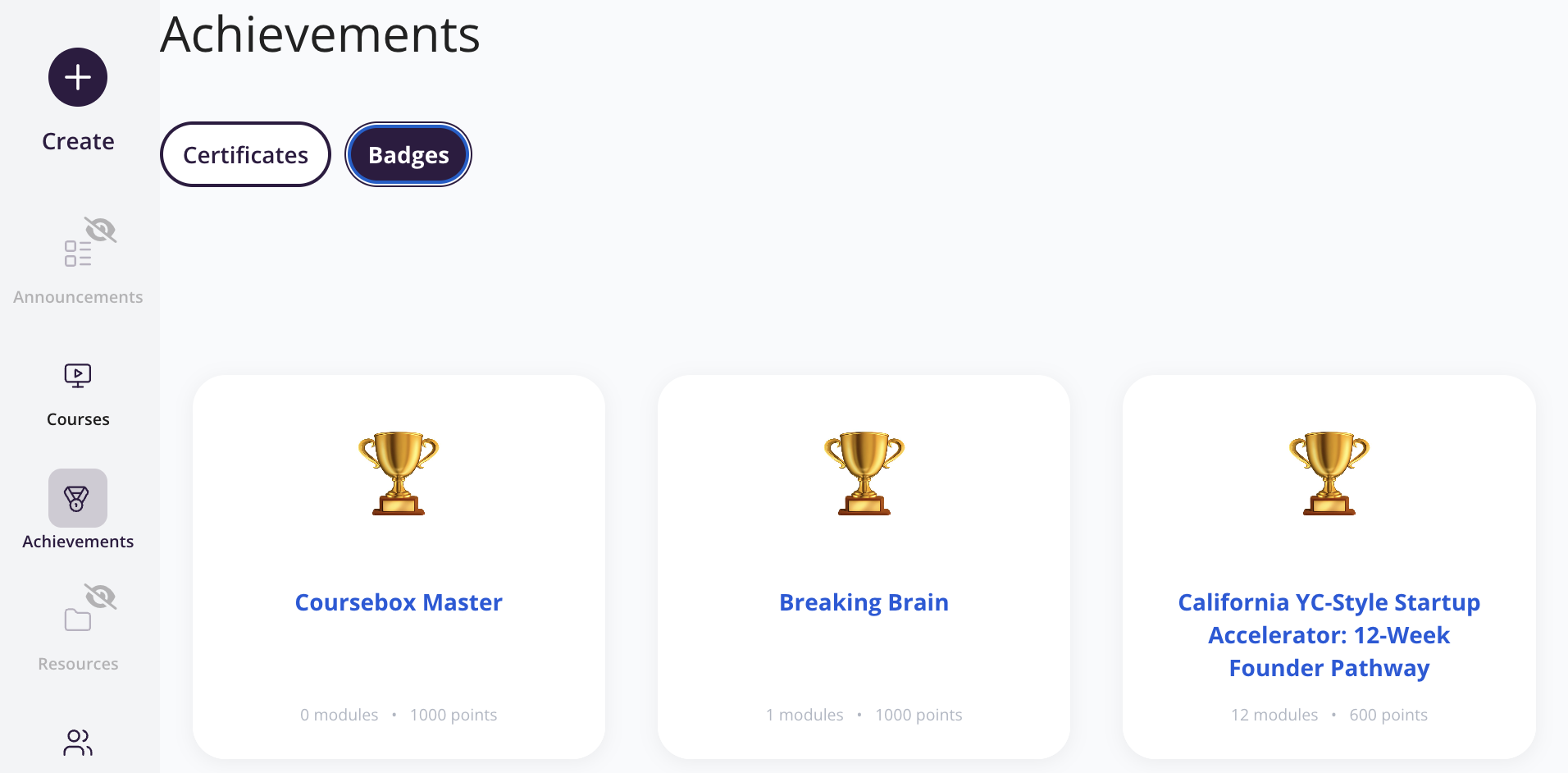
Pathways are created and managed from the Badges area inside Achievements in the left sidebar. There is no separate Pathways menu.
Plan requirement: Pathways and badges are part of Gamification, available on Pro + LMS and Enterprise. On Free, Creator and Pro, Achievements shows Certificates only — there is no Badges tab on those plans, so pathways cannot be created. This is the plan, not a fault with your account. Compare plans.
On an earlier plan? Plan names and inclusions changed when we moved to Free, Creator, Pro, Pro + LMS and Enterprise. If you are on an earlier plan, your subscription continues unchanged and you keep everything it included — so you may still see features this article lists under a higher plan. Nothing has been removed from your account.
Only admins see the Achievements section in the left sidebar.
Steps to create or edit a Pathway
Open the left sidebar and click Achievements.
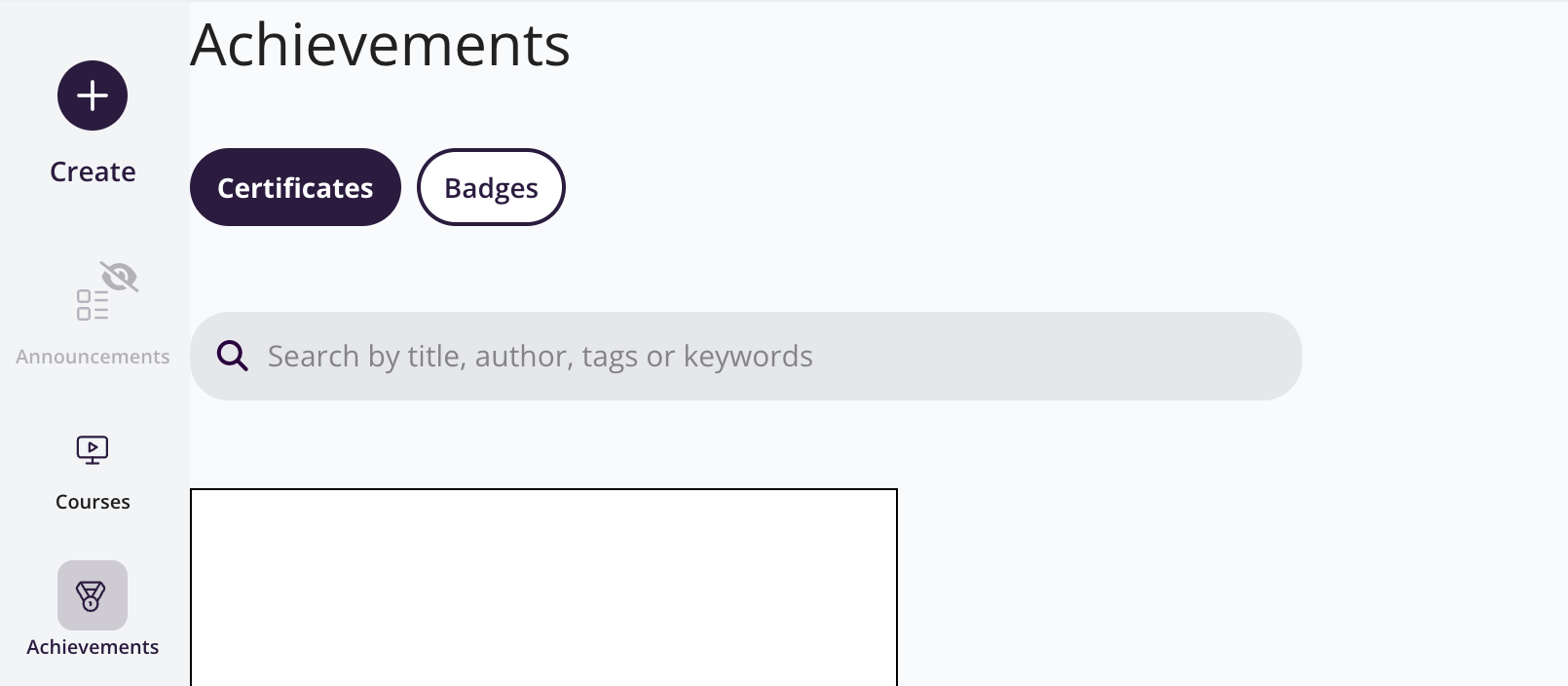
Switch to the Badges tab.
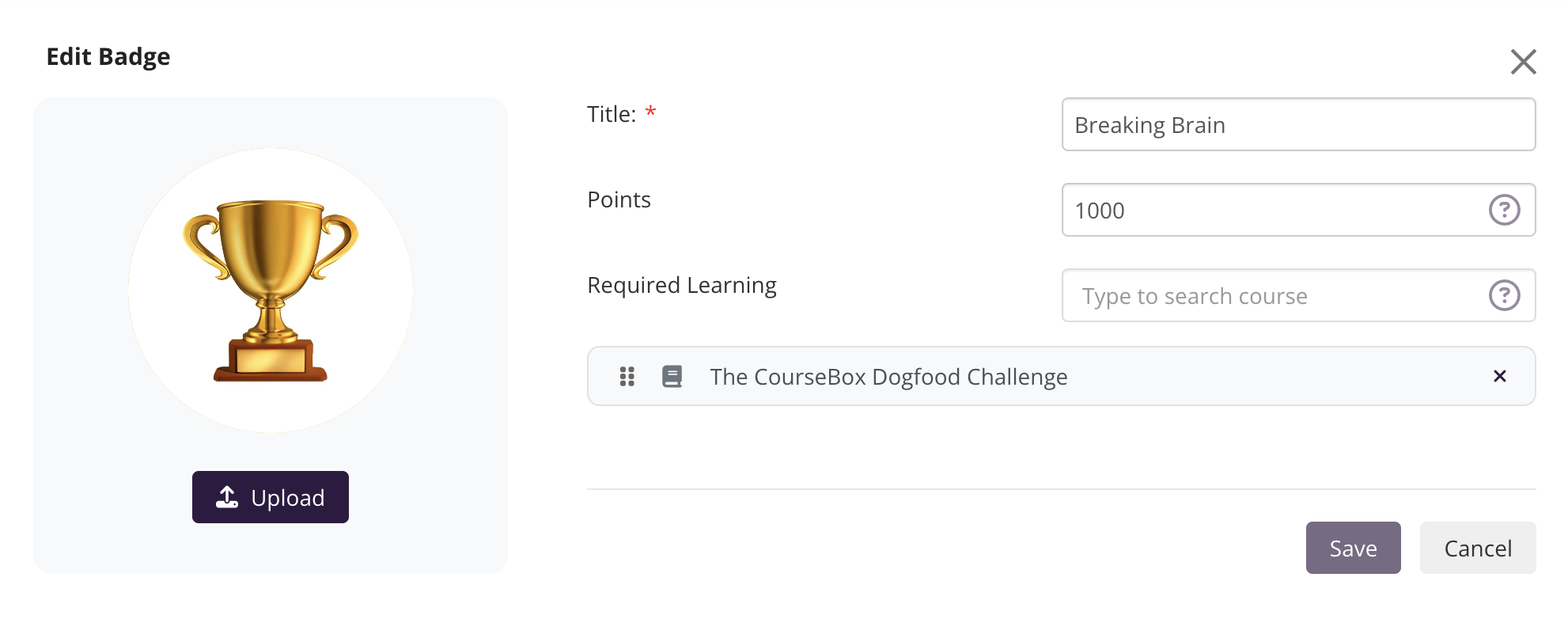
Create or edit a badge, and use the option to assign published courses as a pathway.
How learners view their Pathways
Learners can view their assigned pathways from the Pathways tab on their profile page dashboard.
Troubleshooting
No Badges tab, or no pathway options? Check your plan against the plan requirement above. Nothing is broken and there is no need to raise a support ticket.
No Achievements section in the sidebar at all? Confirm your account has the Admin role.
On Pro + LMS or Enterprise, with the Admin role, and still missing? Take a screenshot of your sidebar and the Achievements → Badges screen and contact support for account review.