Managing Shopify Integration
Sell your online courses effortlessly with the Coursebox app. This integration lets you list your existing Coursebox courses on your store and automatically enroll buyers into your Coursebox courses upon purchase. Streamline your eLearning business by managing course sales directly from your store while leveraging Coursebox's powerful AI-driven course creation and management features.
Save time, reduce manual admin work, and deliver a seamless learning experience to your customers.
Sell Courses on Store
Automatic Student Enrollment
AI-Powered Course Creation & training platform
Customizable Course Listings
Seamless Integration & Easy Setup
Watch the tutorial videos found in our YouTube Video Library.
The steps are:
1. Install the Coursebox App on Shopify
Navigate to the Coursebox app on the Shopify App Store.
Click Install to add the app to your Shopify store.
Authorize the necessary permissions to allow Coursebox to integrate with your store.
2. Connect Your Coursebox Account
After installation, open the Coursebox app within your Shopify admin dashboard.
Log in to your Coursebox account to establish the connection between Shopify and Coursebox.
3. Import Courses into Shopify
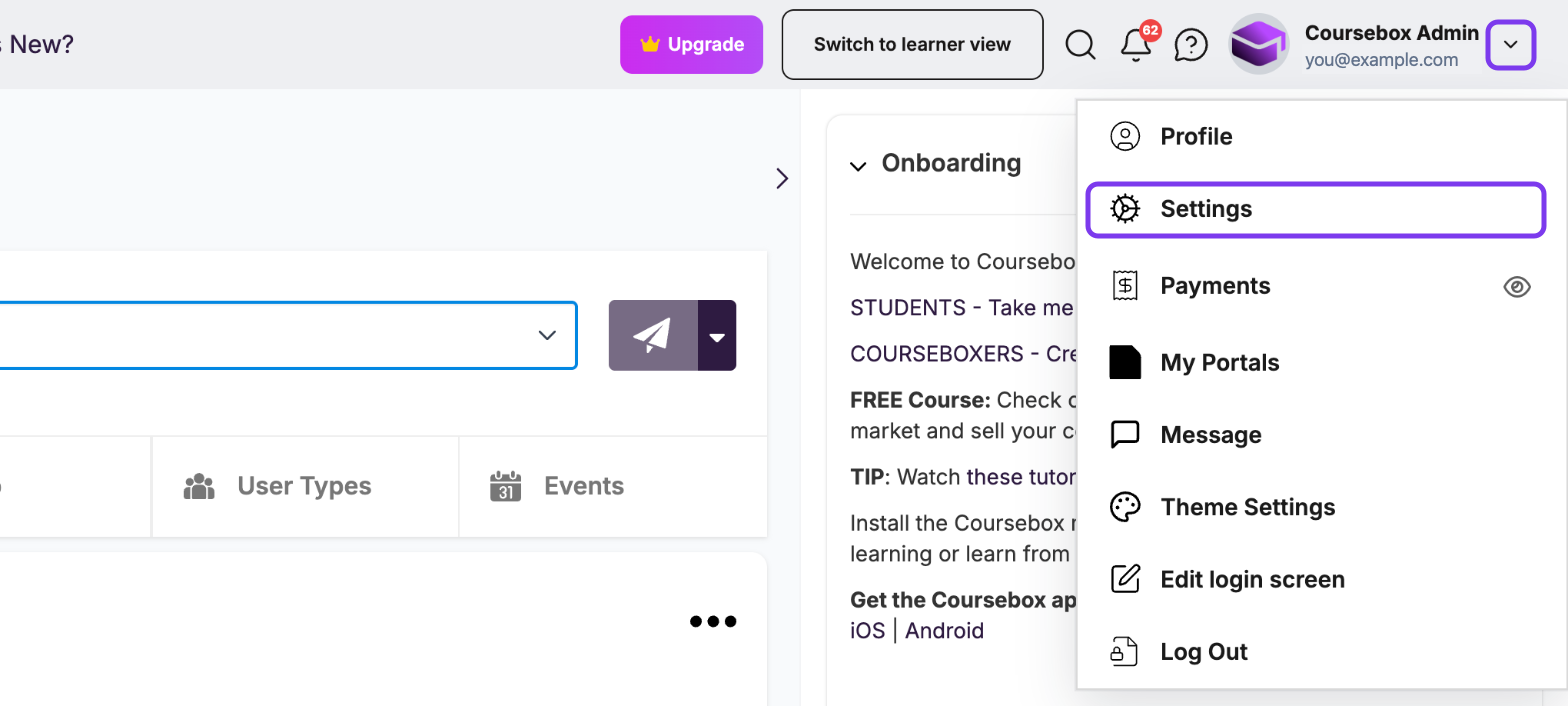
In Coursebox, click the dropdown (▼) next to your profile icon and select Settings.
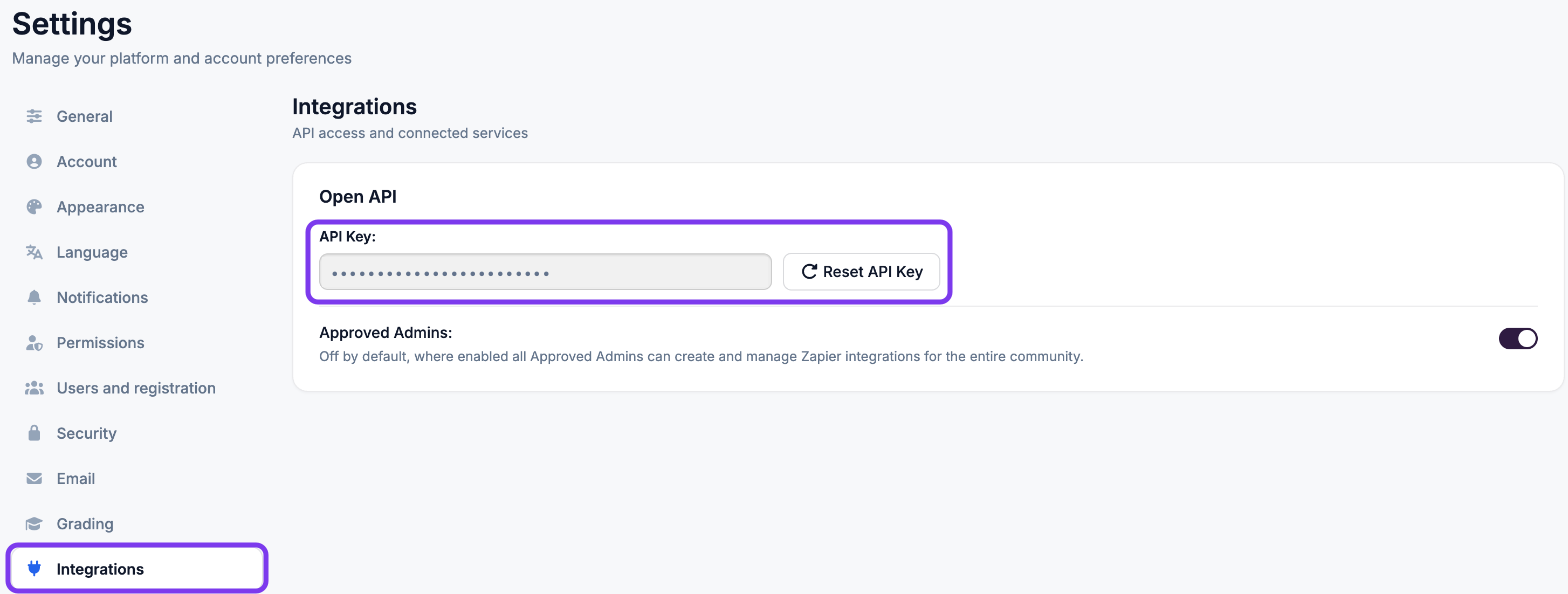
In the left-hand menu, click Integrations and, under Open API, copy your API Key. Only click Reset API Key if you need a new key: resetting it stops any other integration that uses the current key.
In the Coursebox app in Shopify, open its settings and paste the app URL and the API Key.
Click Import to add your courses as products in your Shopify store. Each course appears as a product with its title, description and pricing.
Edit how each product looks on its product page in Shopify. After importing, you can sync to update changes and preview the course in your store.
Customer examples (Shopify and WordPress)
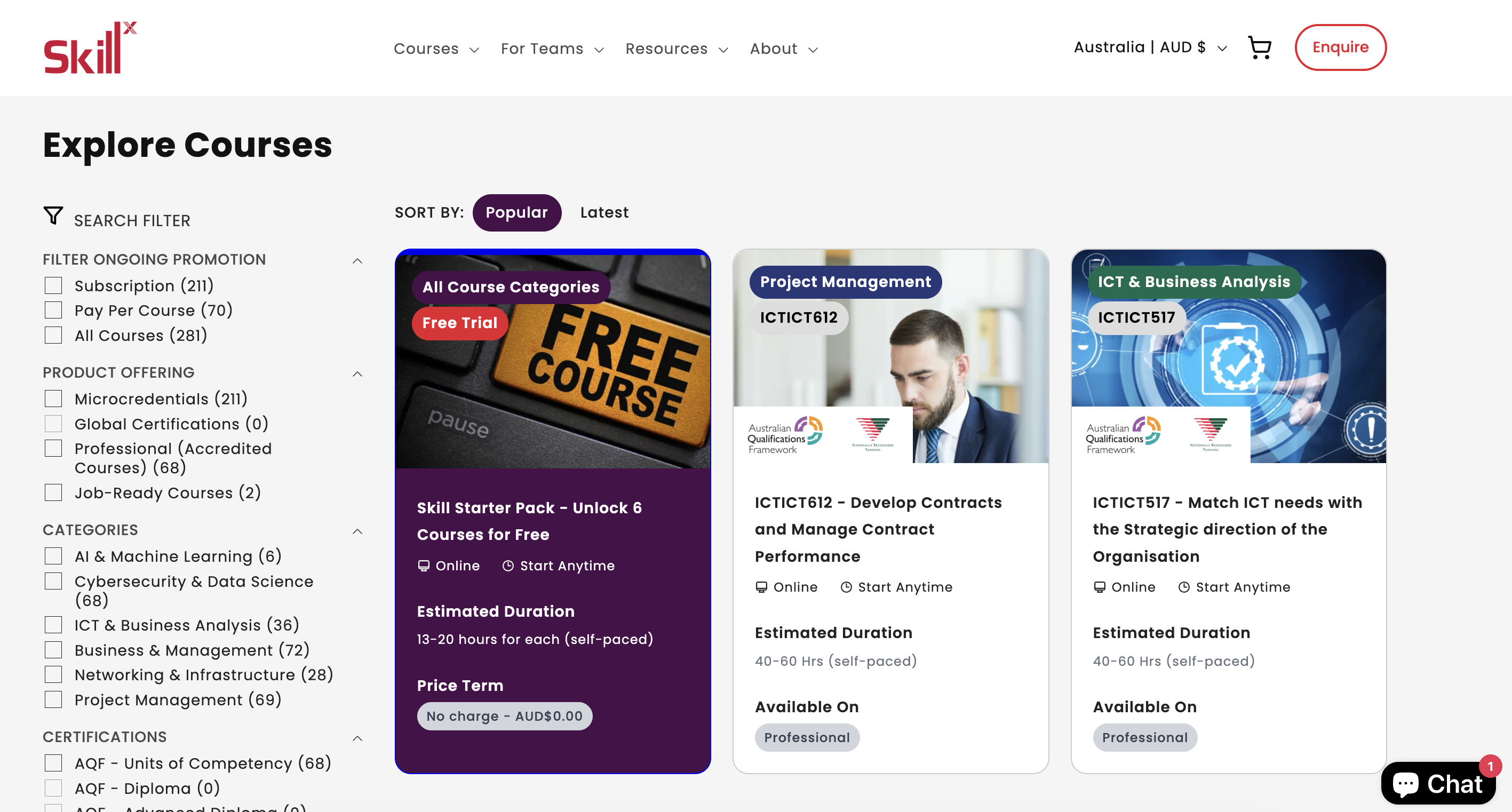
SkillX [Shopify Site]
https://skillx.edu.au/collections/all
Learner portal: https://onlinecourses.ssc.edu.au/
HITSA [WordPress site]
Learner portal: https://learn.hitsa.com.au

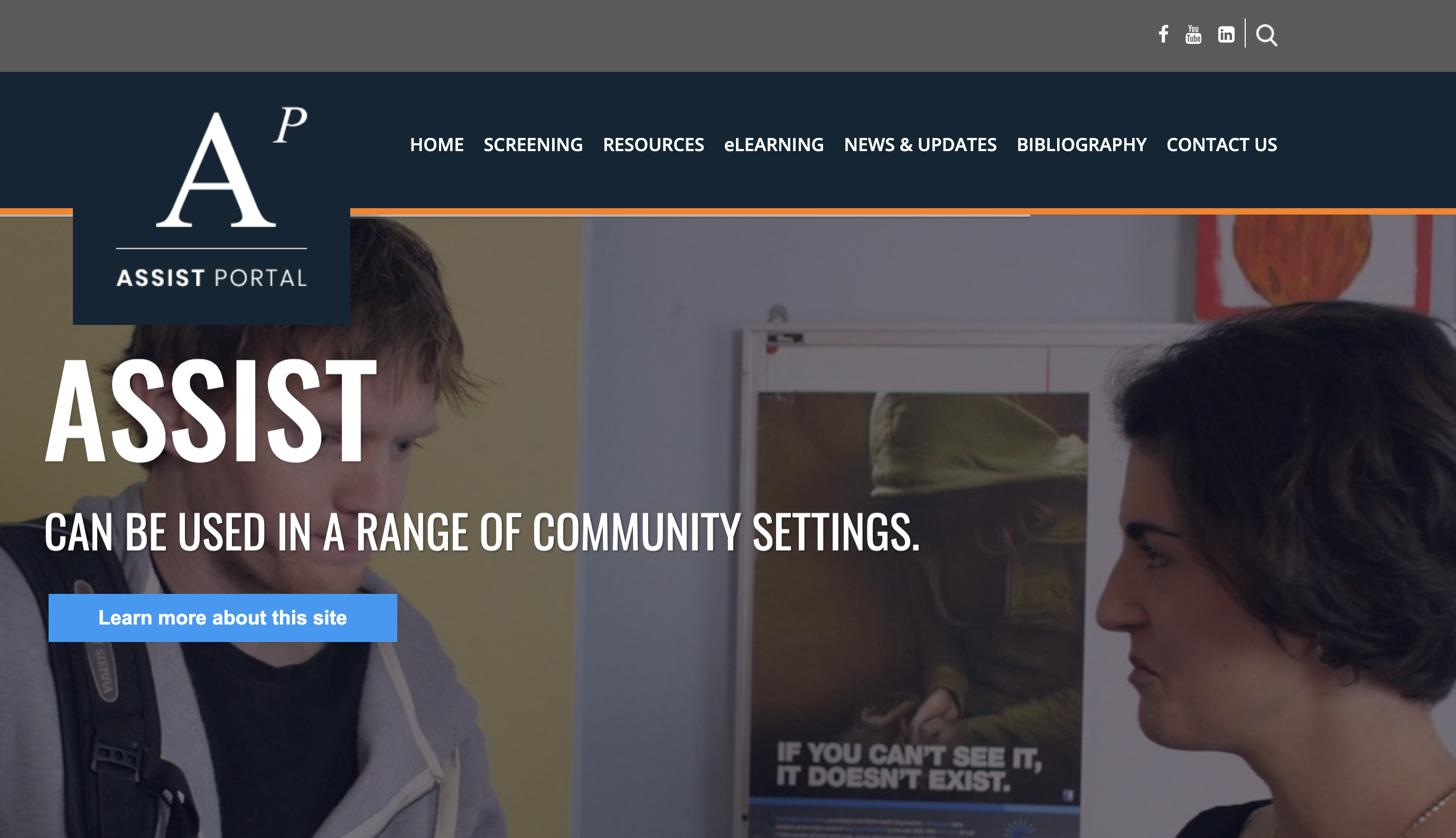
ASSIST [WordPress site]
Learner portal: https://learn.assistportal.com.au/
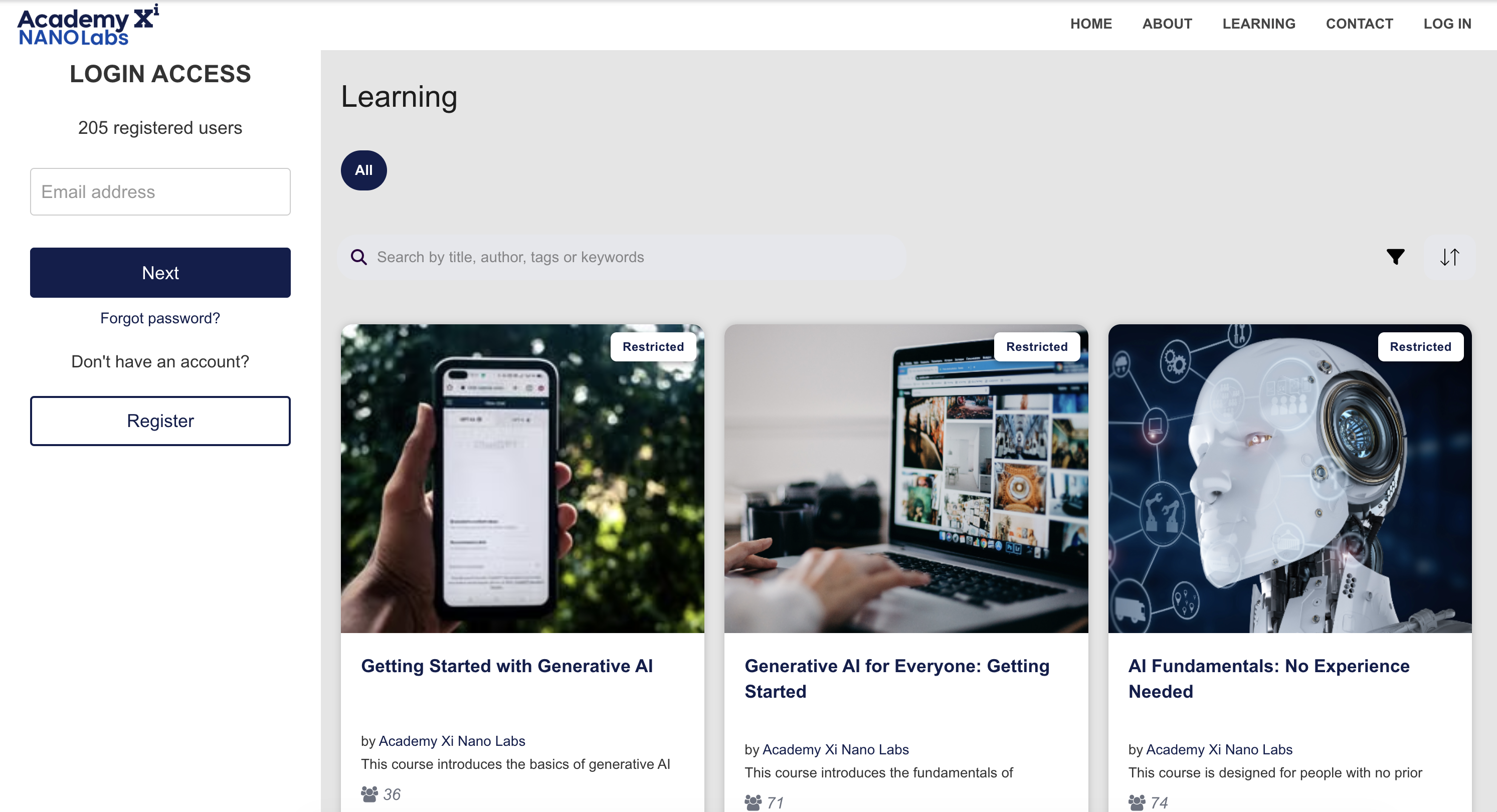
Academy Xi (Coursebox used as website, shop, and LMS)
https://innovate.academyxi.com/#/learning/search
Main site: https://academyxi.com/
Learner portal: https://xilearn.academyxi.com/
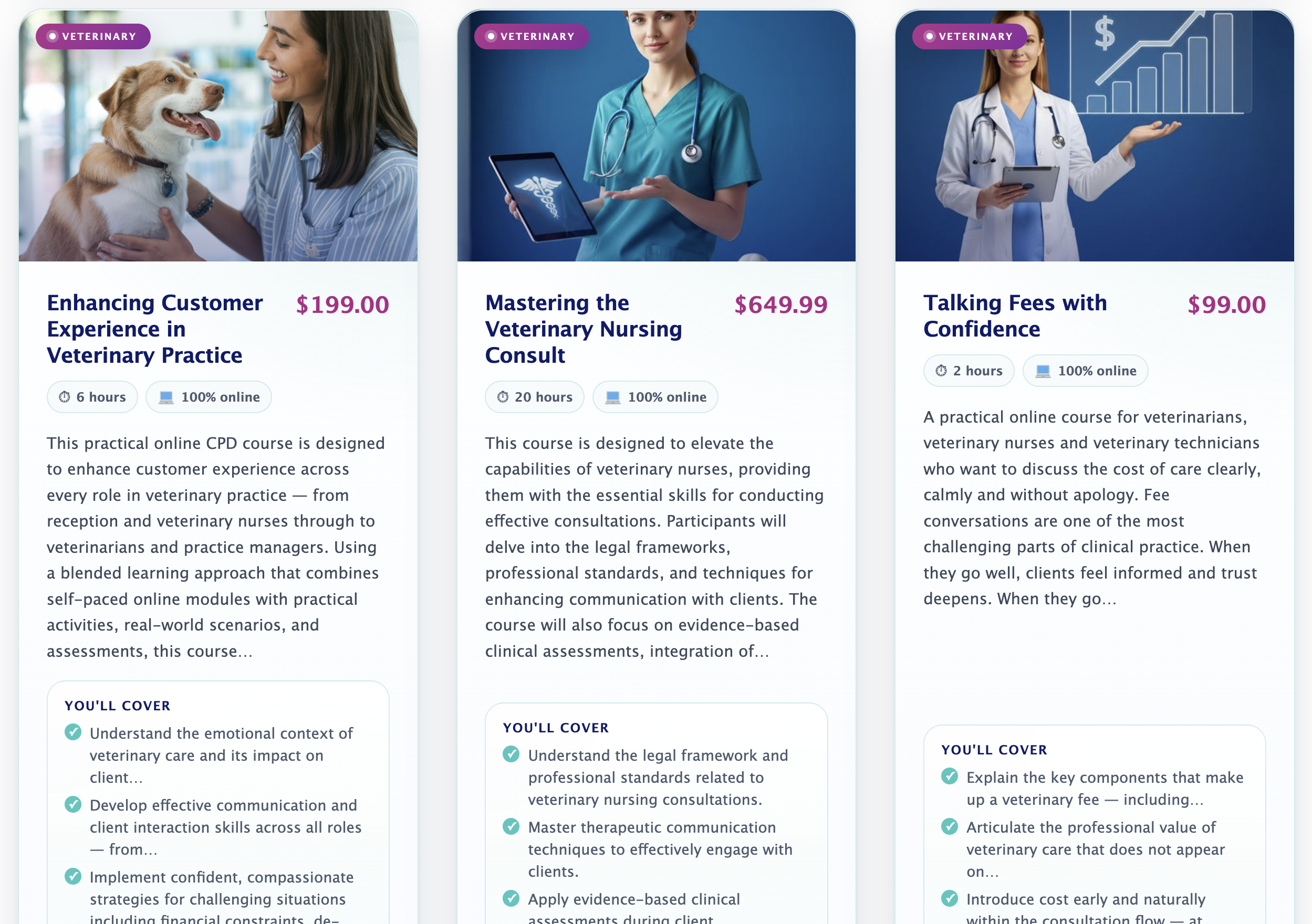
Animal Sense Academy [WordPress site]
https://animalsenseacademy.com.au/
Learner portal: https://animalsense.coursebox.ai/